

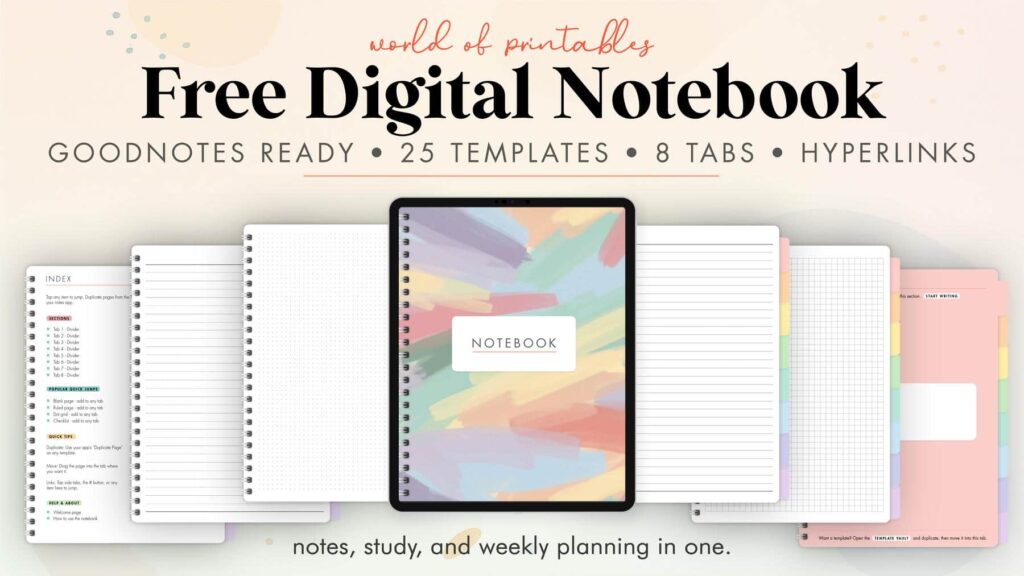
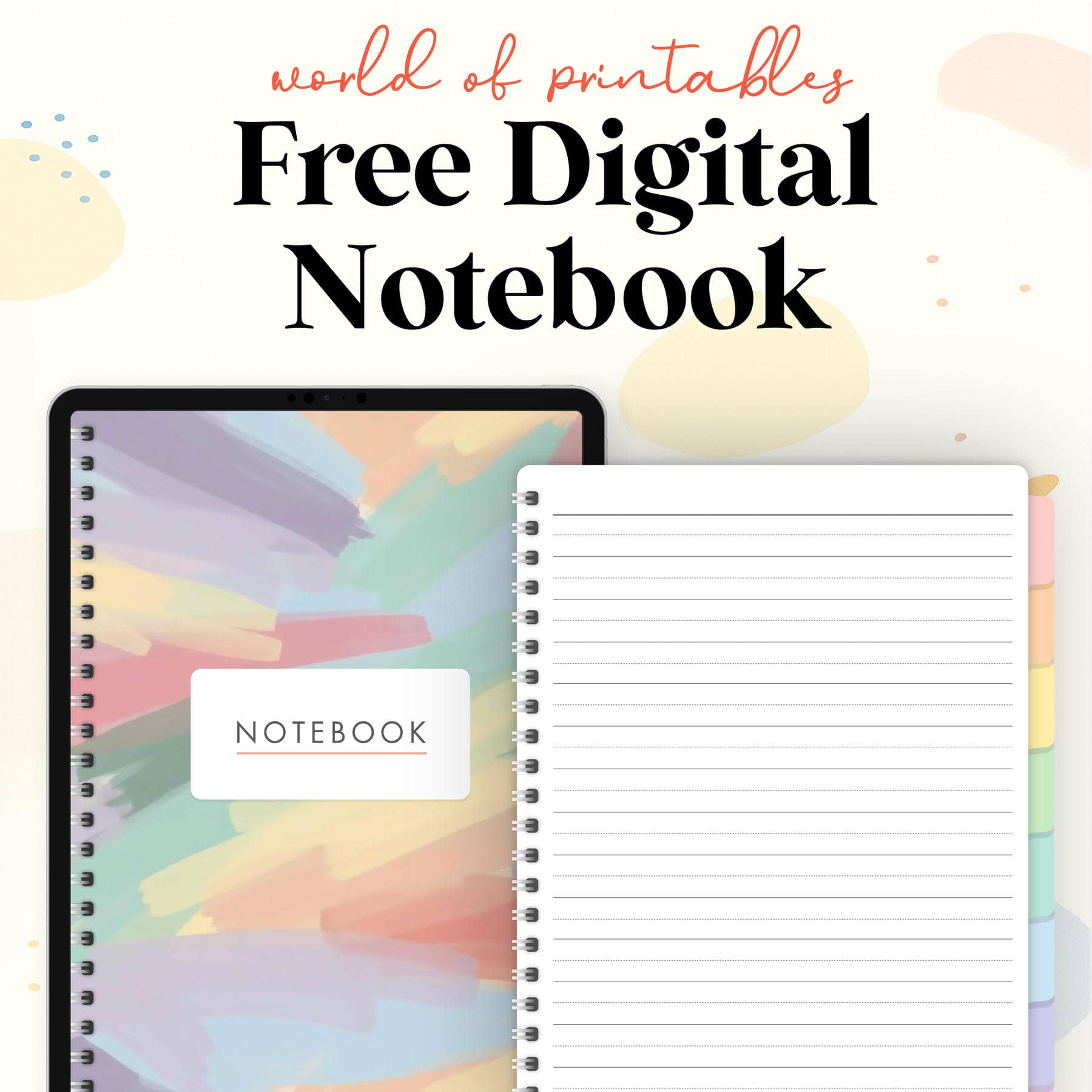
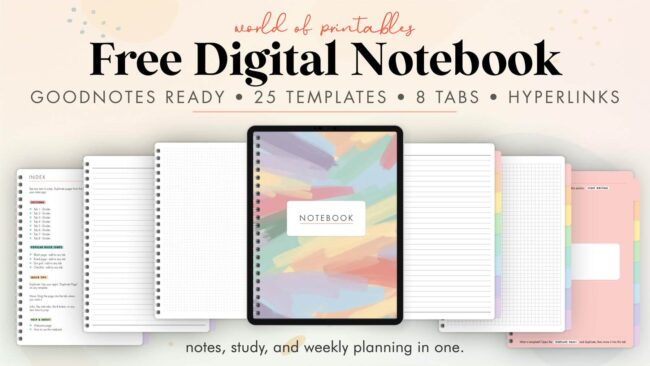
Download a free digital notebook with 8 hyperlinked tabs, a global index, and all the core pages you need for notes, planning, study, and projects. It works in GoodNotes, Notability, Noteshelf, Xodo, Penly, Samsung Notes and any app that supports linked PDFs. No signup. No catch. Just download and use.
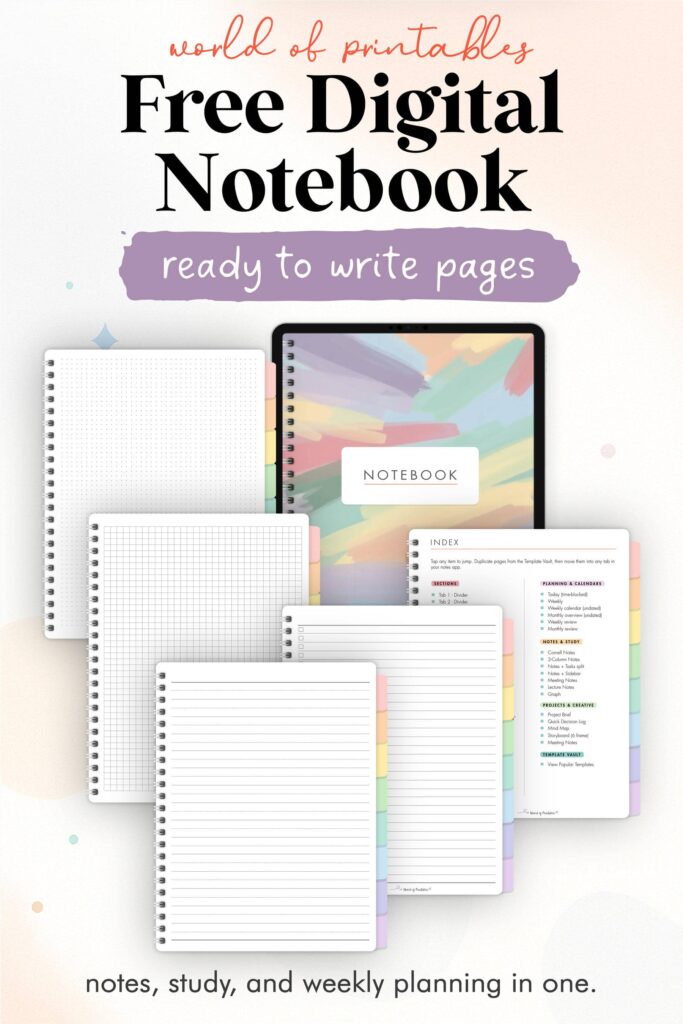
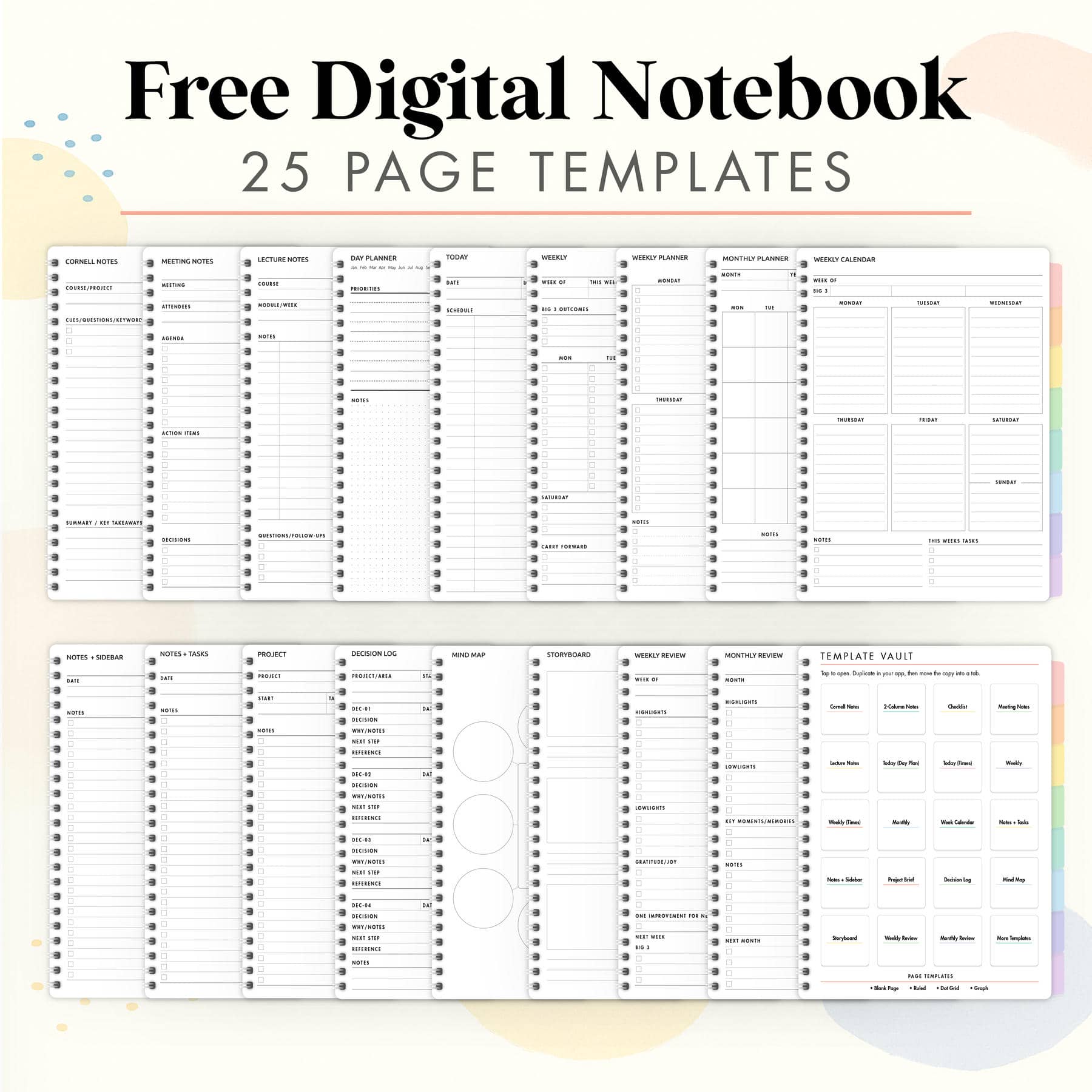
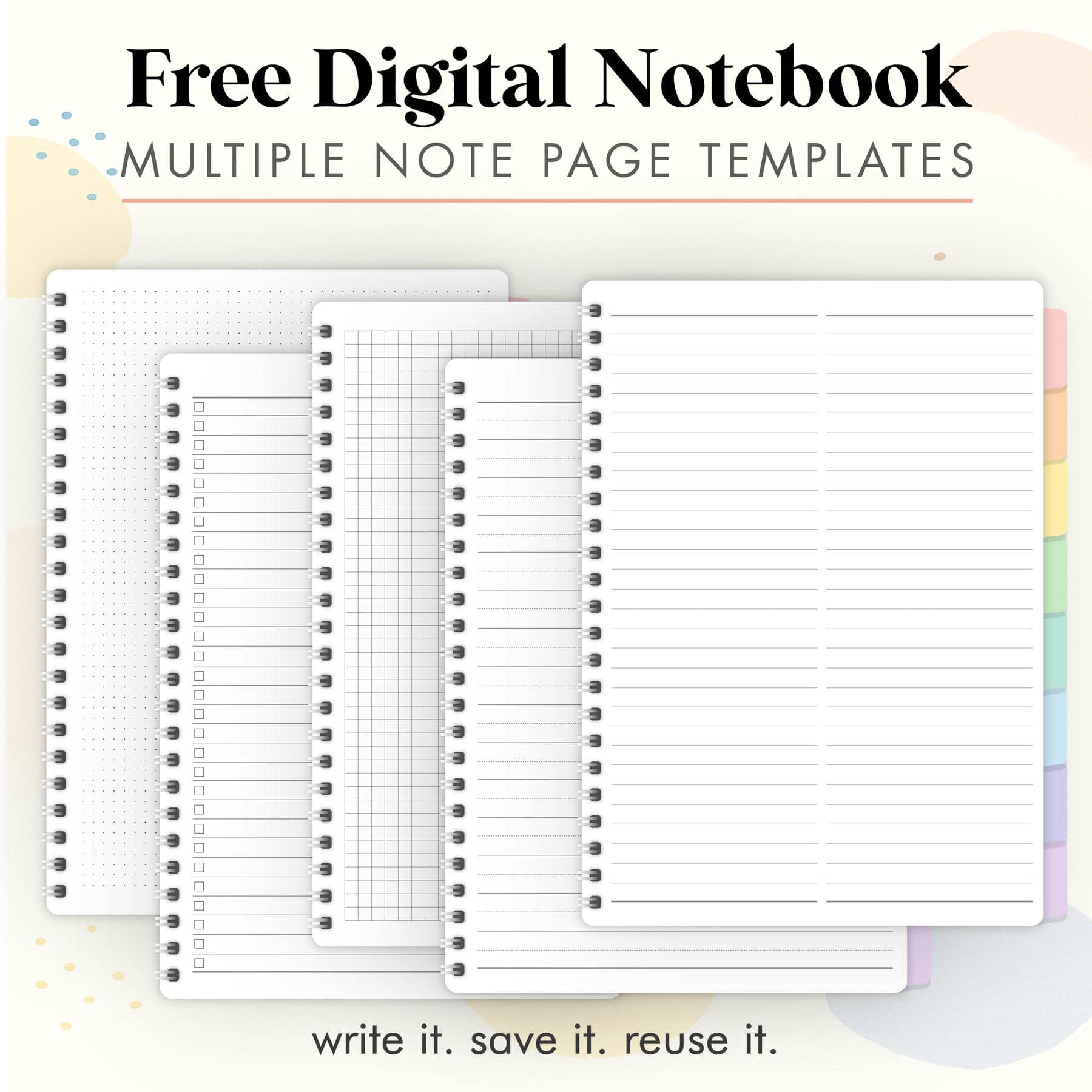
This free digital notebook includes 8 hyperlinked tabs and index. Features note page templates such as ruled, dot grid, graph, and checklists. Also includes templates such as Cornell Notes, meeting notes, lecture notes, daily, weekly, monthly, project, mind map, storyboard, and review pages. Undated and reusable. Designed for handwriting. Suitable for GoodNotes, Notability, Xodo, Penly, Samsung Notes.
This is a digital notebook file (PDF), not an electronic tablet or writing device.
What this is
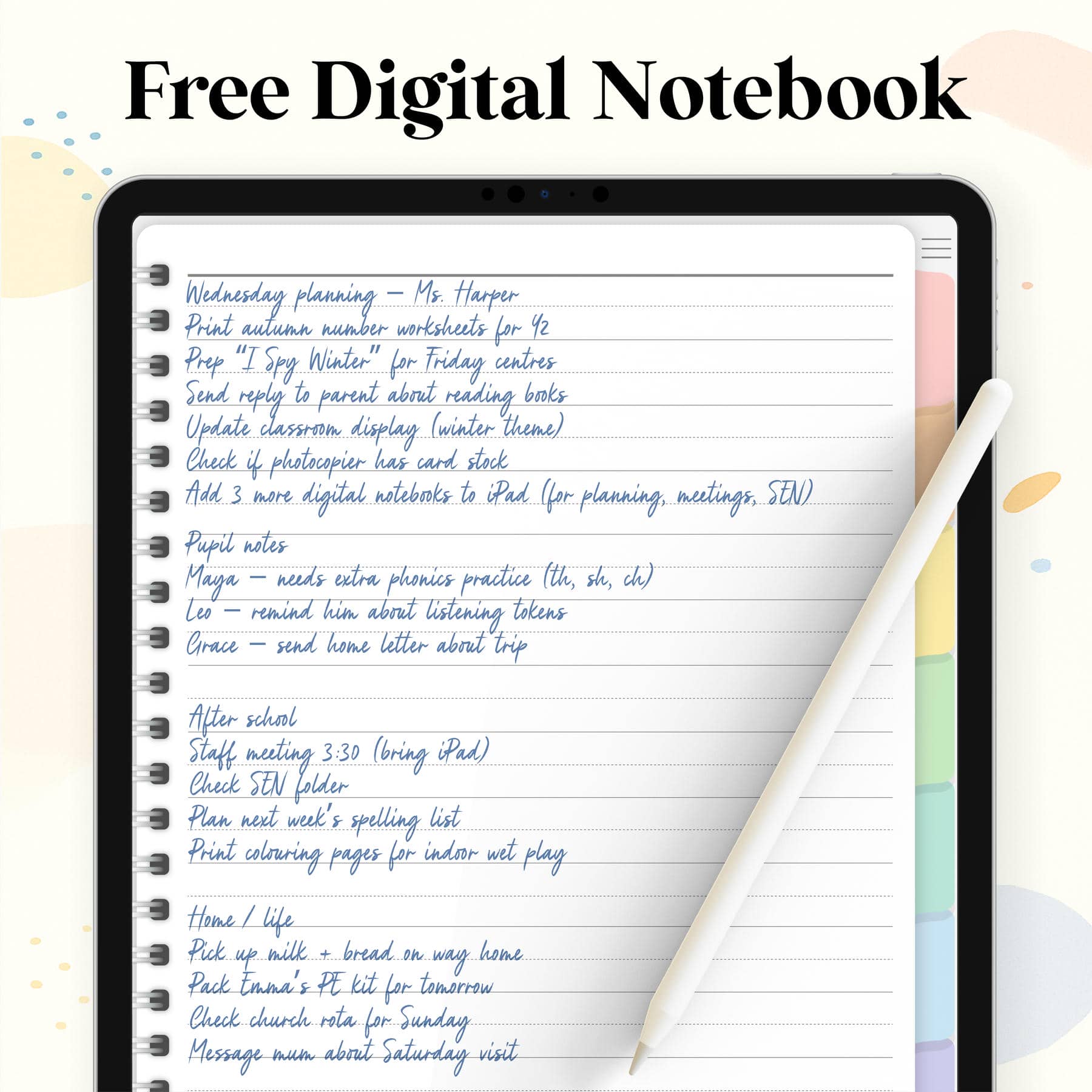
This is a general-purpose digital notebook that you can use for everything: work notes, school notes, weekly planning, meetings, projects, creative ideas, and reviews. It’s built as a linked PDF so you can tap the tabs to jump to sections, tap the index to jump to any template, and duplicate pages inside your notes app to build out your own system.
Who it’s for
- iPad users who want a GoodNotes/Notability notebook without paying for one
- Students who want Cornell Notes, Lecture Notes, and weekly planning in one file
- Business/creators who want Meeting Notes, Project Brief, and a place for ideas
- People who like to duplicate pages and organise them into tabs
Why this one is useful
- 8 linked sections so you can split work, study, personal, ideas, and projects
- Index button on every page so you aren’t scrolling through a long PDF
- Ready-to-write pages seeded after each divider so you can start writing right away
- Undated layouts (weekly, monthly) so you can reuse the notebook forever
- Flexible enough for school, business, content planning, or personal life
What’s inside
1. Navigation
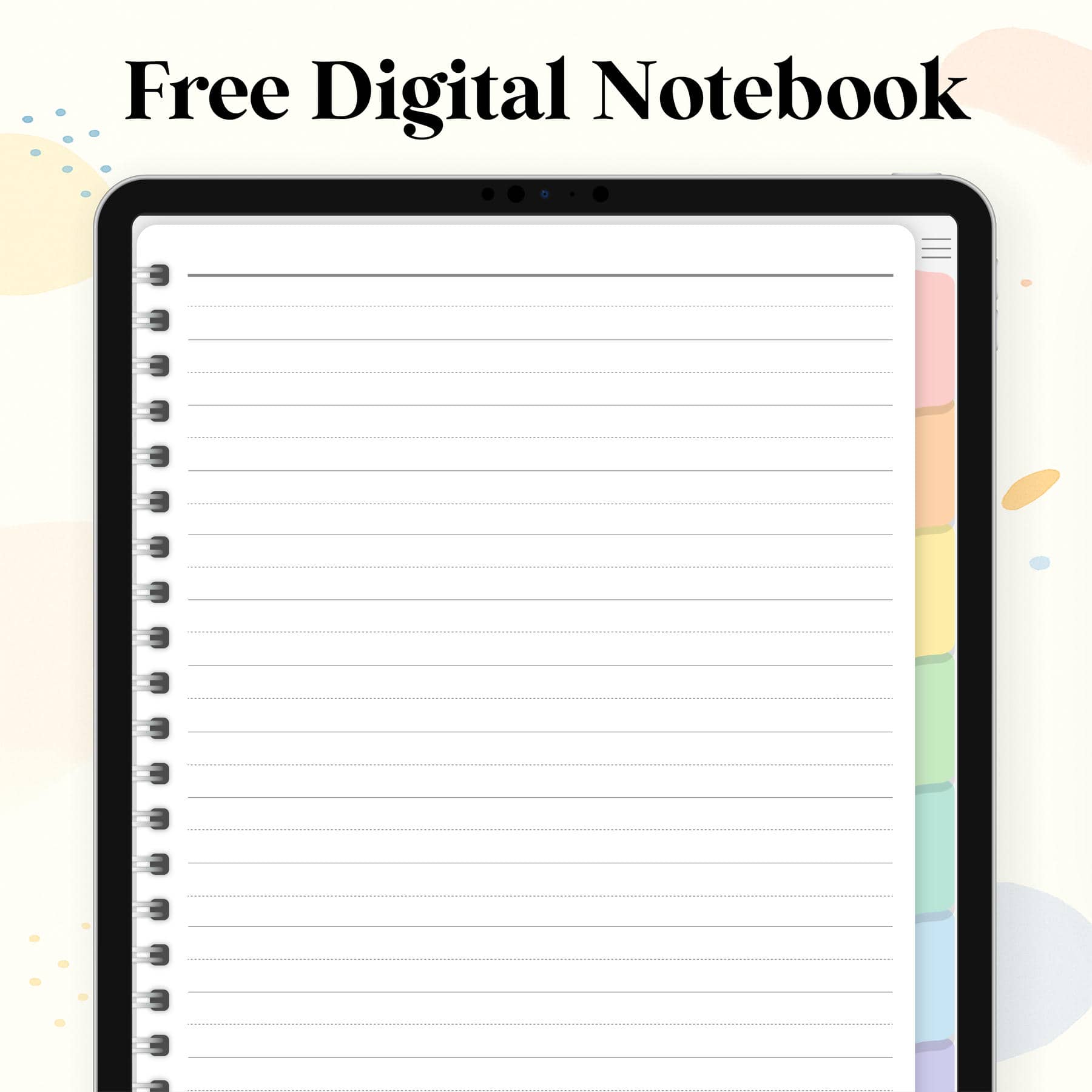
- 8 tab dividers (generic, so you can use them for anything)
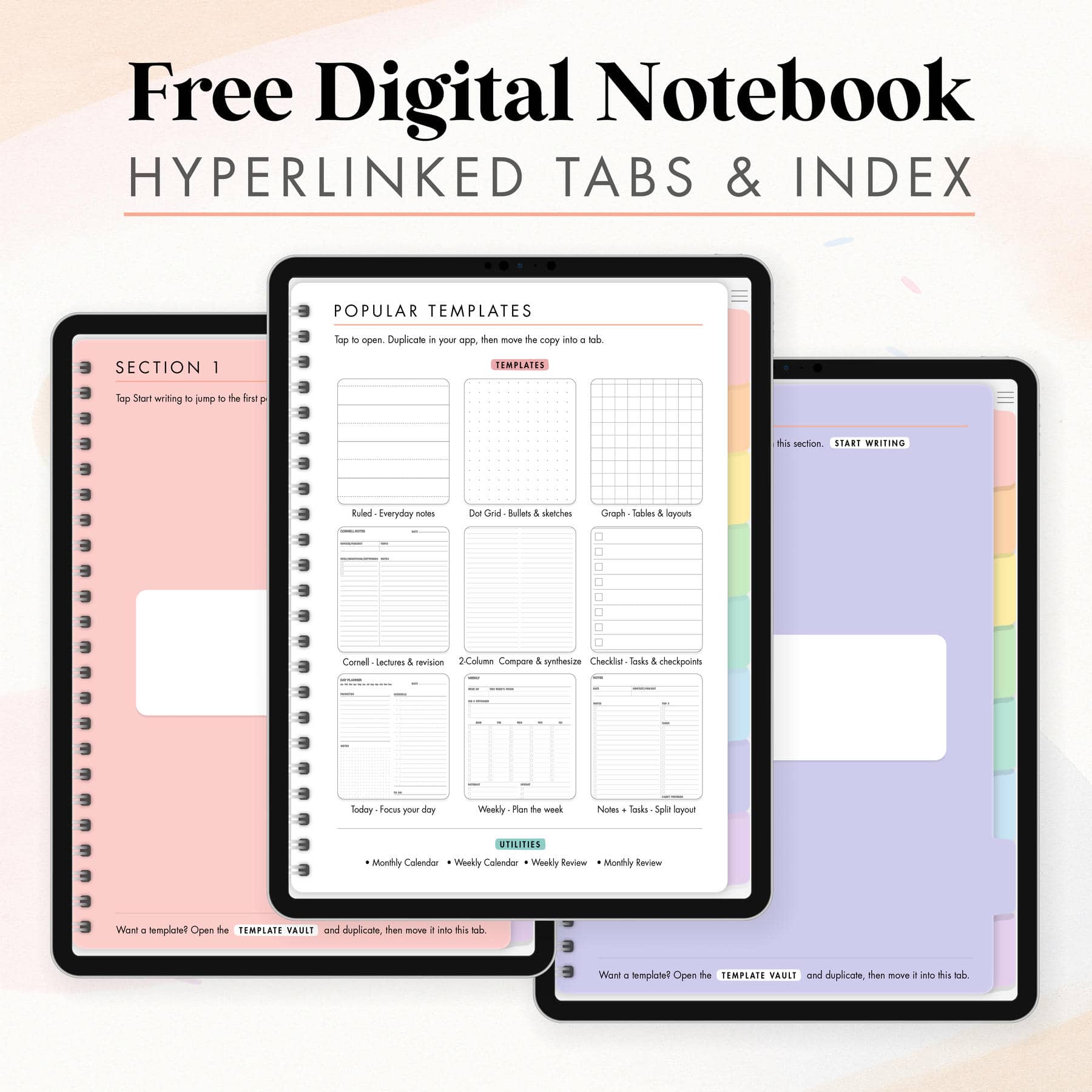
- Index page (jump to any template)
- Popular templates page (quick access to the most-used layouts)
2. Core note pages
These are the everyday pages users always duplicate:
- Ruled page
- Dot grid
- Graph
- 2-Column Notes
- Cornell Notes
- Checklist
3. Meeting and study pages
Use these for work, school, or content planning:
- Meeting Notes
- Lecture Notes
4. Planning pages
You can plan your day, week, and month inside this notebook:
- Today (time-blocked)
- Weekly
- Weekly calendar (undated, 7 days)
- Monthly overview (undated)
5. Productivity and mixed layouts
These are the “make it useful” pages:
- Notes + Tasks split (notes on the left, to dos on the right)
- Notes + Sidebar (notes with a space for references or links)
- Project Brief (simple, not corporate, for general projects)
- Quick Decision Log (what we chose and what to do next)
6. Thinking and creative pages
For brainstorms and content:
- Mind Map (minimal + guided)
- Storyboard (6 frame)
7. Reviews
So you can actually close the week/month and move things forward:
- Weekly Review
- Monthly Review
Why it’s useful
- One file, many layouts. You don’t need 5 separate notebooks.
- Hyperlinked. You don’t have to scroll every time.
- Reusable. Because it’s undated, you can use the same notebook all year.
- Duplicate-friendly. Open a template, duplicate, drag into a tab, done.
- App-agnostic. Not locked to GoodNotes. Works in all popular PDF note apps.
How to use it (actual flow)
- Download the PDF below.
- Import it to GoodNotes, Notability, Noteshelf, Xodo, Penly, Samsung Notes.
- Tap a tab to go to a section.
- Tap the index (≡) to jump to a template.
- Duplicate any template page in your app.
- Move/drag that duplicated page into the tab where you want to keep it.
- Keep doing this until your notebook has the exact pages you use most.
This is the same workflow people are used to from other digital notebooks, so there is no learning curve.
Why it’s free
This digital notebook is part of our free library on World of Printables. We give away planners, calendars, notebooks, stickers, inserts, study pages, and more. You can download this notebook directly without joining an email list.
No signup. No password. No checkout. Just click and download.
Compatibility
- iPad (GoodNotes, Notability, Noteshelf)
- Android tablets (Xodo, Penly, Samsung Notes)
- Desktop PDF annotation apps
- Printable (pages are clean so you can print individual layouts)
See our guide on How to use a digital planner
Free Download
Download the Free Digital Notebook
Download Here ⤓Instant download. No signup. No catch.
FAQs
No. Any PDF note app that supports links.
Yes. Duplicate the template pages and move them into the tab you want.
Yes. Undated monthly, weekly, and a weekly calendar layout.
No. It’s a direct download.
What do other people do after viewing this?
Looking for more free digital planners or awesome freebies for your iPad or Android tablet? We have an amazing collection of digital planners for you to use and they’re all totally free.
We think you’ll really enjoy using these free digital planners:
- Choose your favorite Digital Planner from this free collection of the 20 best for 2026
- Digital Planner For iPad – 100 Cute Planner Pages
- Best Digital Planner – Free 100-Page Planner For GoodNotes, iPad & Android
- Digital Planner PDF – Free Stylish 2026 Planner
- Free Black Digital Planner
- Digital Day Planner
- Digital Weekly Planner
- Free Digital Monthly Planner
- Free Digital Bullet Journal With Black Pages
- Free Digital Bullet Journal
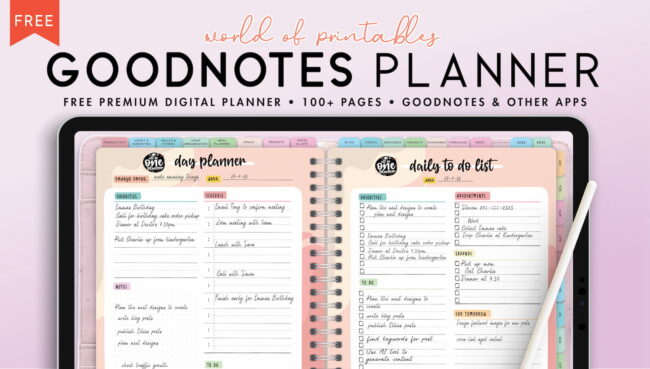
- GoodNotes Planner
- Digital Life Planner
Why not get one of these free digital planners?



COPYRIGHT
These digital planners are for personal use only and is the copyright of World of Printables – you cannot redistribute, reproduce, or resell, although you can link back to our website.

AI TRANSPARENCY: Whilst the majority of our creations have been created completely traditionally, occasionally we utilize AI tools in our design process. We acknowledge the advancements in AI technology and leverage them responsibly to optimize our creative output. However, it is important to note that our utilization of AI does not compromise the human element of our work. Our commitment to delivering high-quality designs through a balanced integration of traditional expertise and AI enhancements remains paramount.