

Disclaimer: We provide high-quality, free printable templates to help you organize your personal data. We are not certified financial planners or investment advisors. The tools and information provided below are for educational and organizational purposes only. Always consult a licensed financial professional before making high-stakes decisions regarding asset allocation, budget strategy, or debt consolidation.
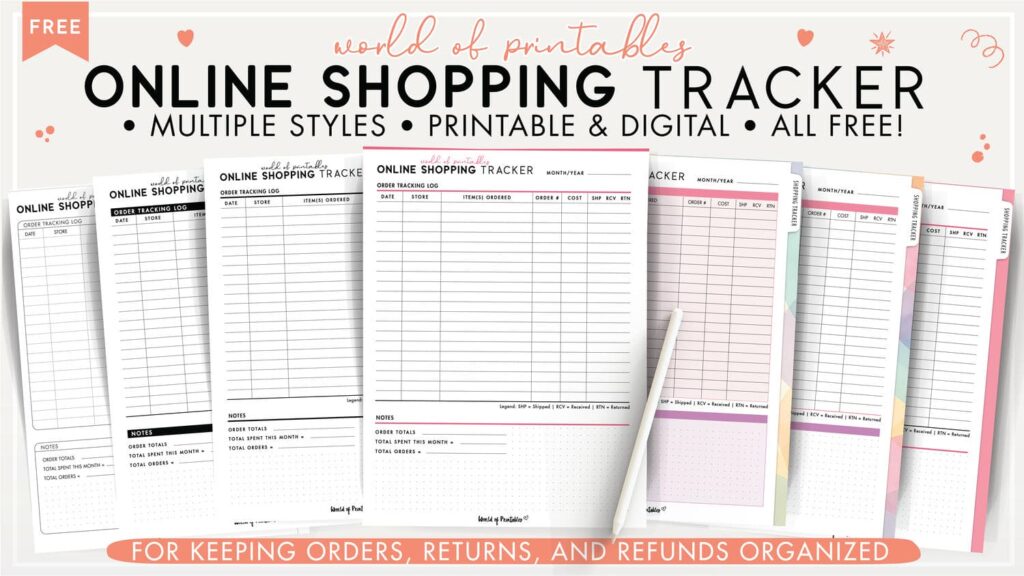
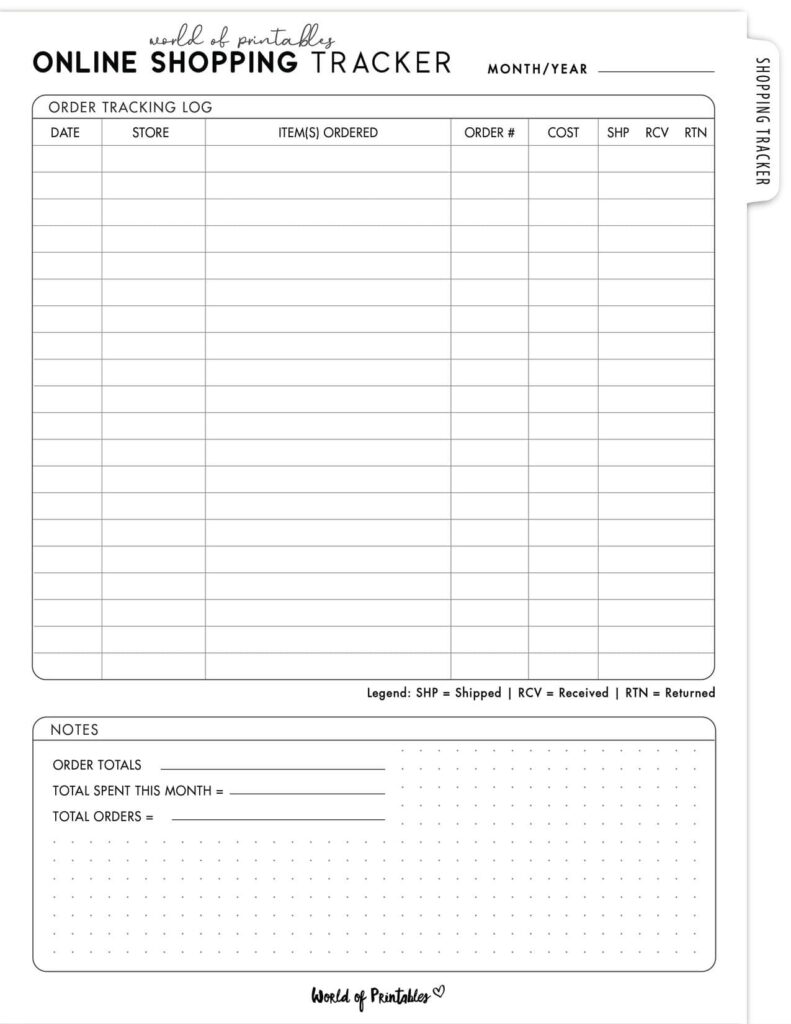
An Online Shopping Tracker is a printable that helps you log and monitor your online purchases in one place.
Instead of relying on email confirmations, memory, and scattered app notifications, you can keep a written record of:
- when you placed the order
- which store you bought from
- how much you spent
- what you ordered
- whether it shipped
- whether it arrived
- whether it needs to be returned
- whether the refund was actually received
And if you shop online even semi-regularly, it can save you money and reduce a lot of unnecessary mental clutter.
That makes it easier to stay in control of your discretionary spending, especially during busy seasons like Christmas, birthdays, back-to-school shopping, or sale events.
Online shopping is much easier to rein in when every paycheck already has a job. Our Paycheck Planner helps you plan bills first, track spending properly, and see what you really have left before impulse purchases creep in.
Even if you do not think of yourself as someone who shops a lot, online orders can add up quickly. This printable helps you keep track of them all in one place.
Choose a design theme that fits your style
This printable comes in a range of layouts so you can choose one that suits the rest of your binder.
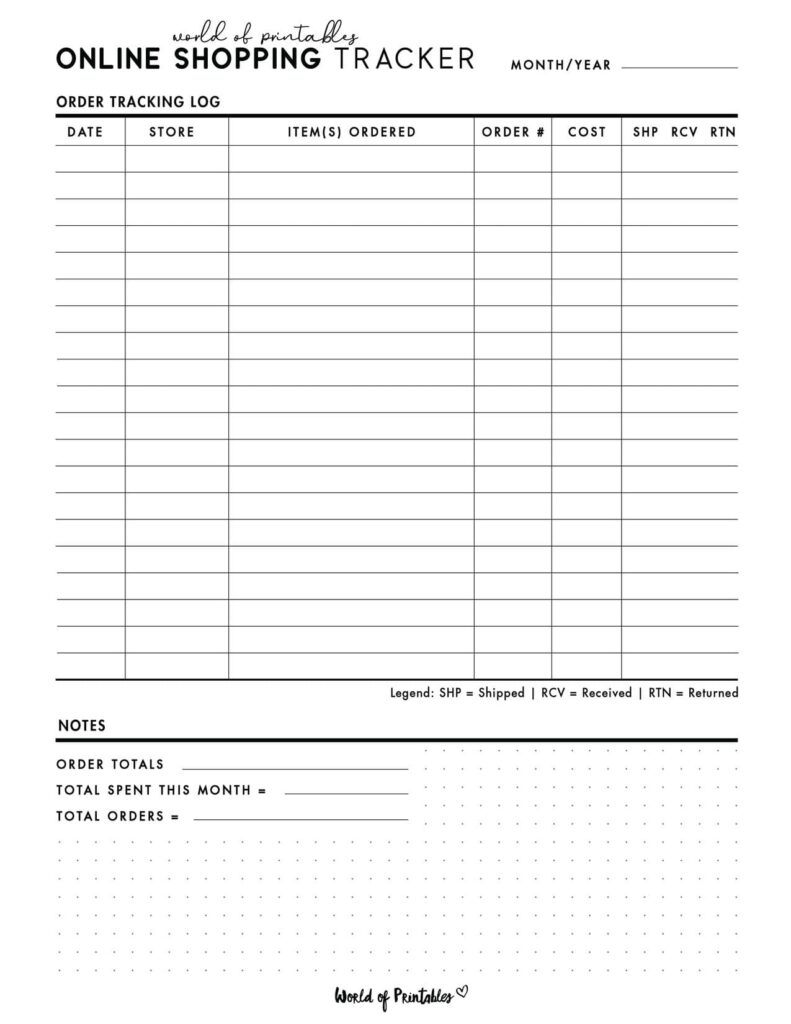
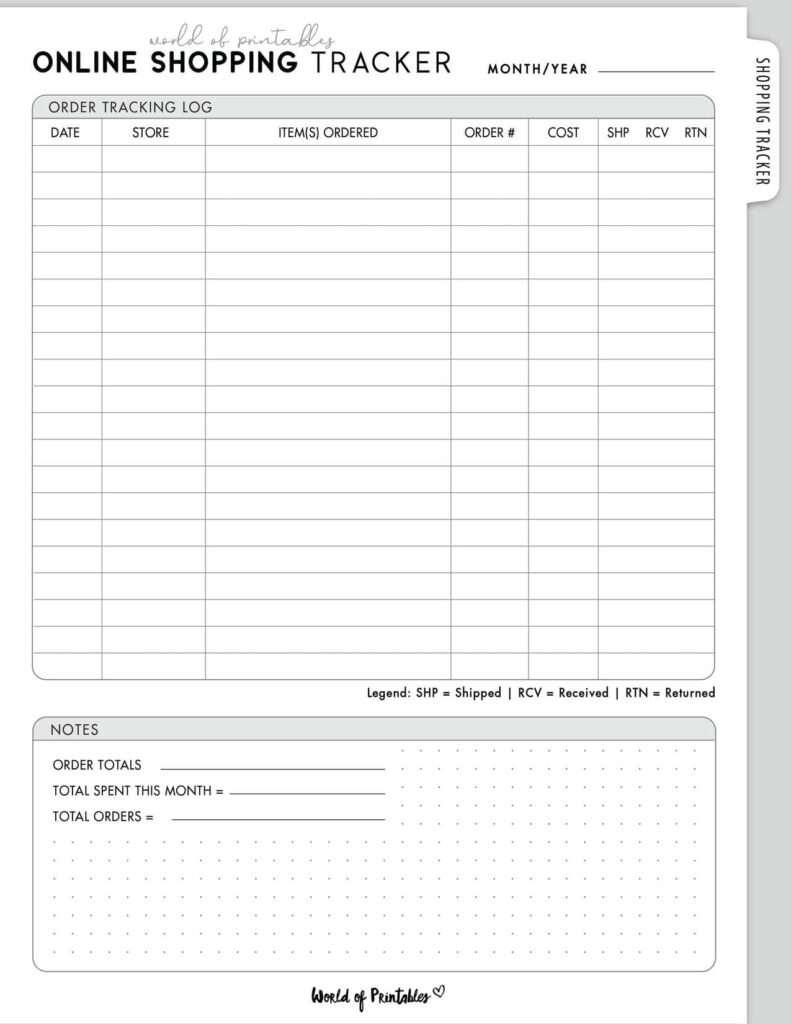
Minimalist and simple styles
These are ideal if you want a clean, tidy order log that keeps the focus on the details.
They work especially well in a more structured budget binder setup.
Colorful and visual styles
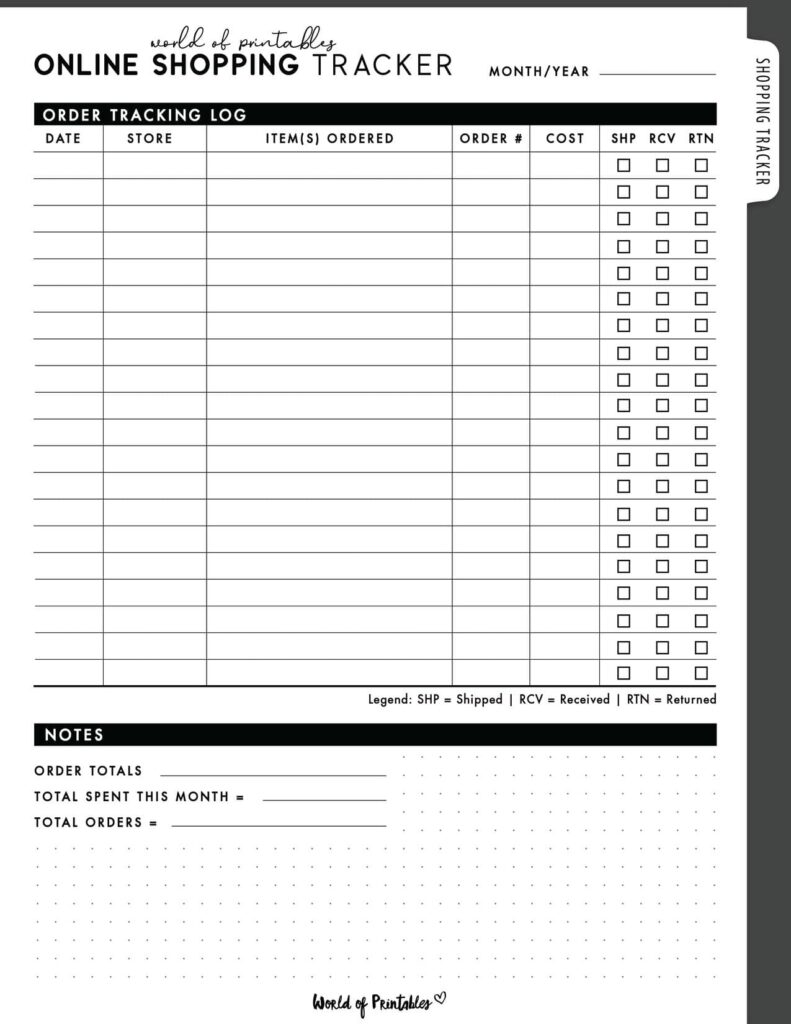
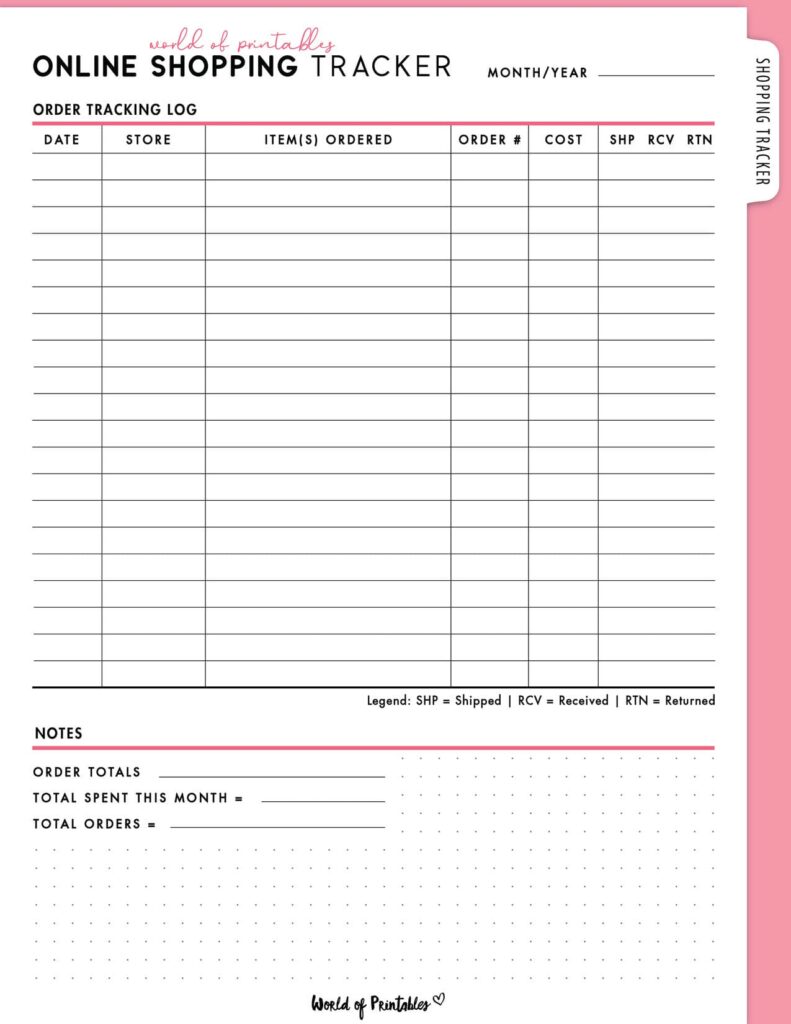
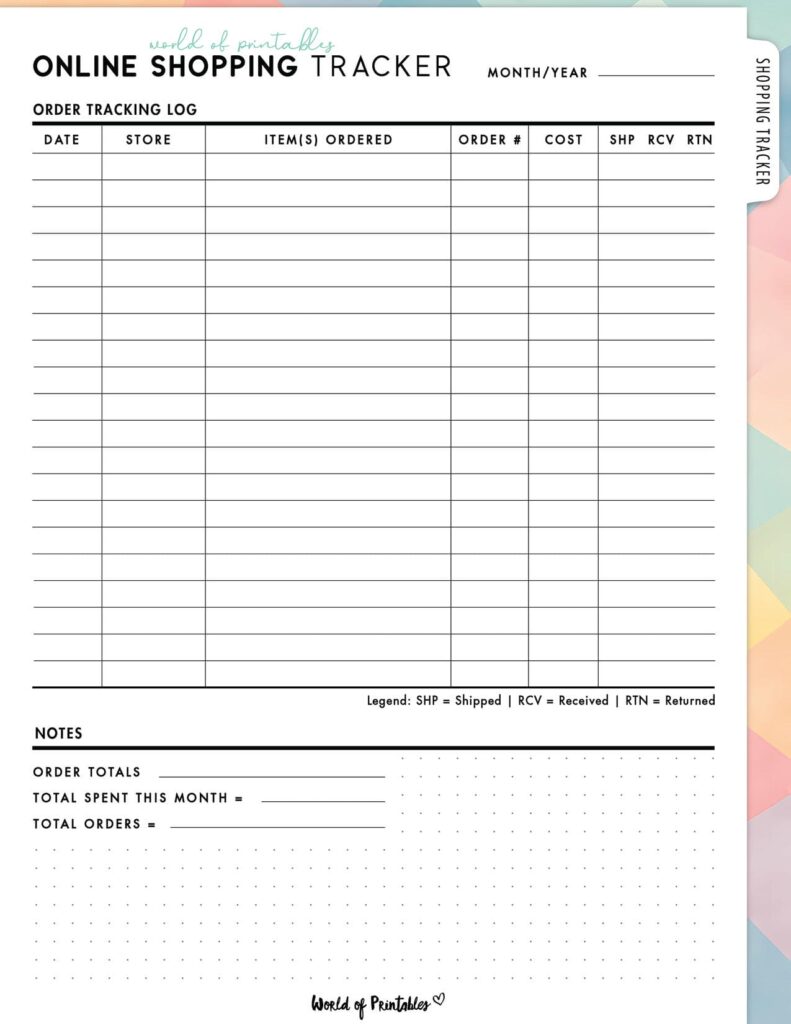
These are great if you like being able to quickly scan which orders are:
- still pending
- delivered
- awaiting return
- awaiting refund
The visual separation makes the page feel fast and easy to use.
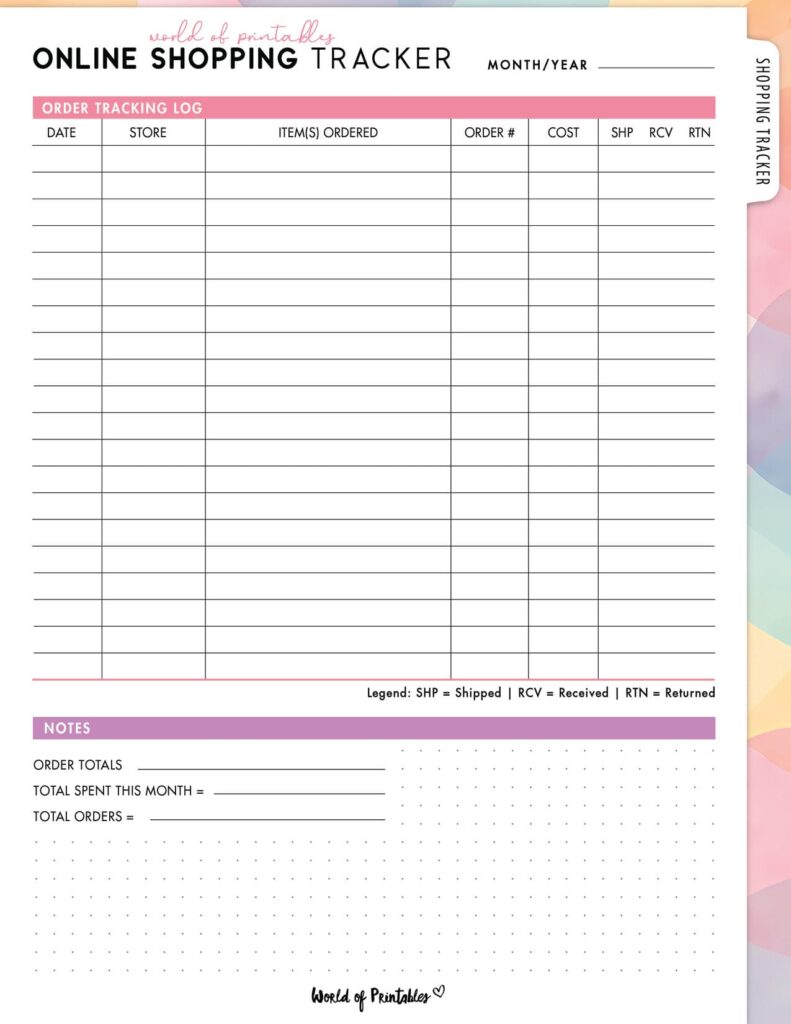
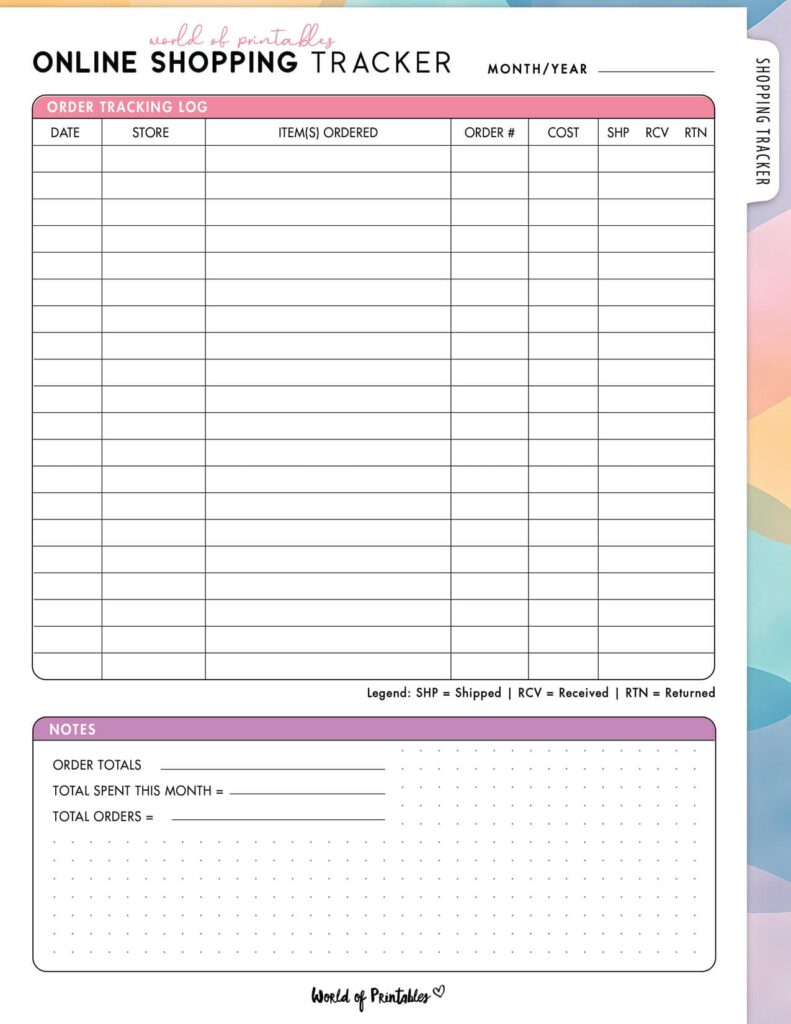
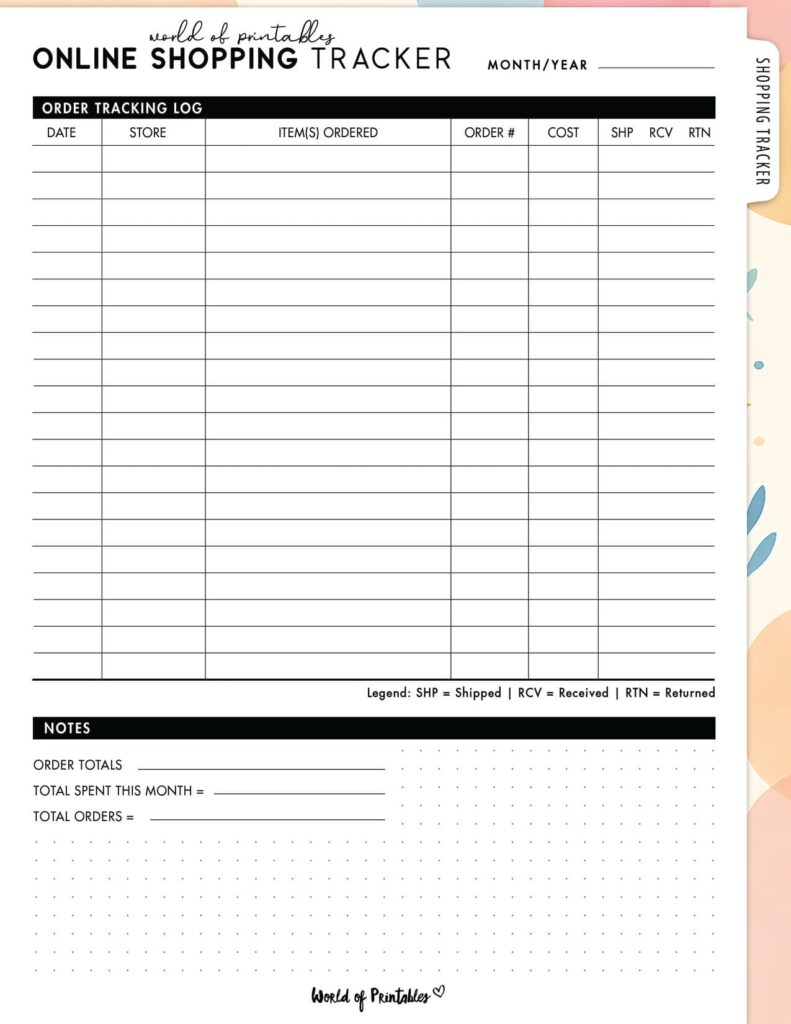
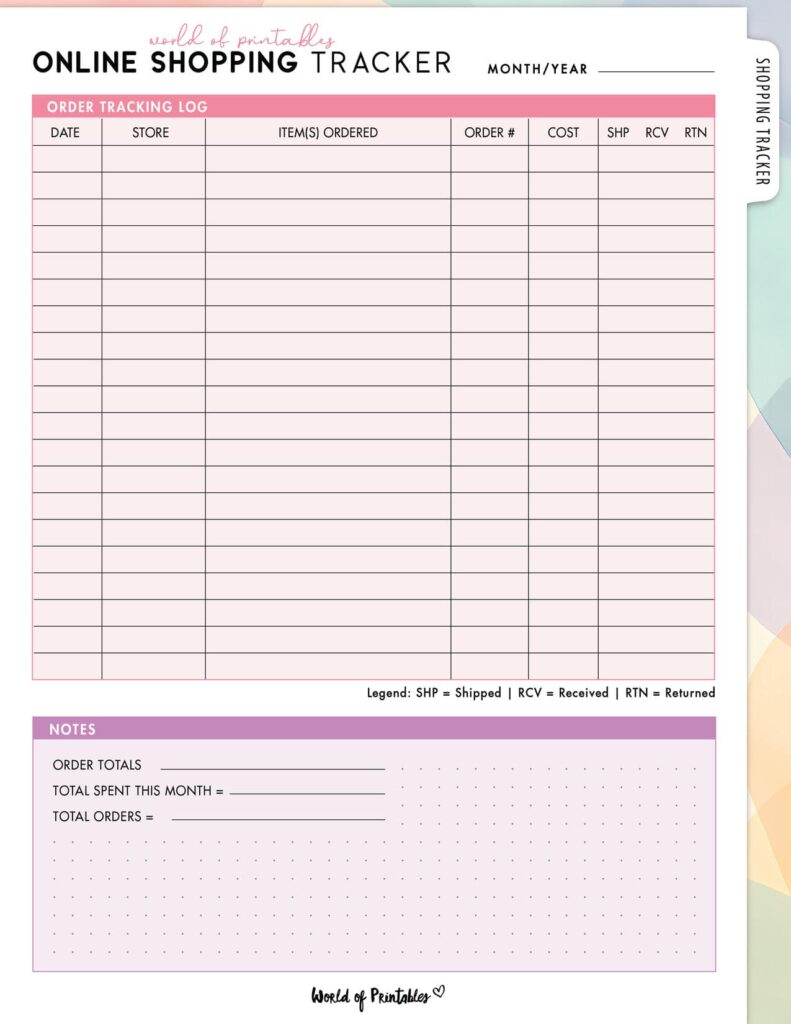
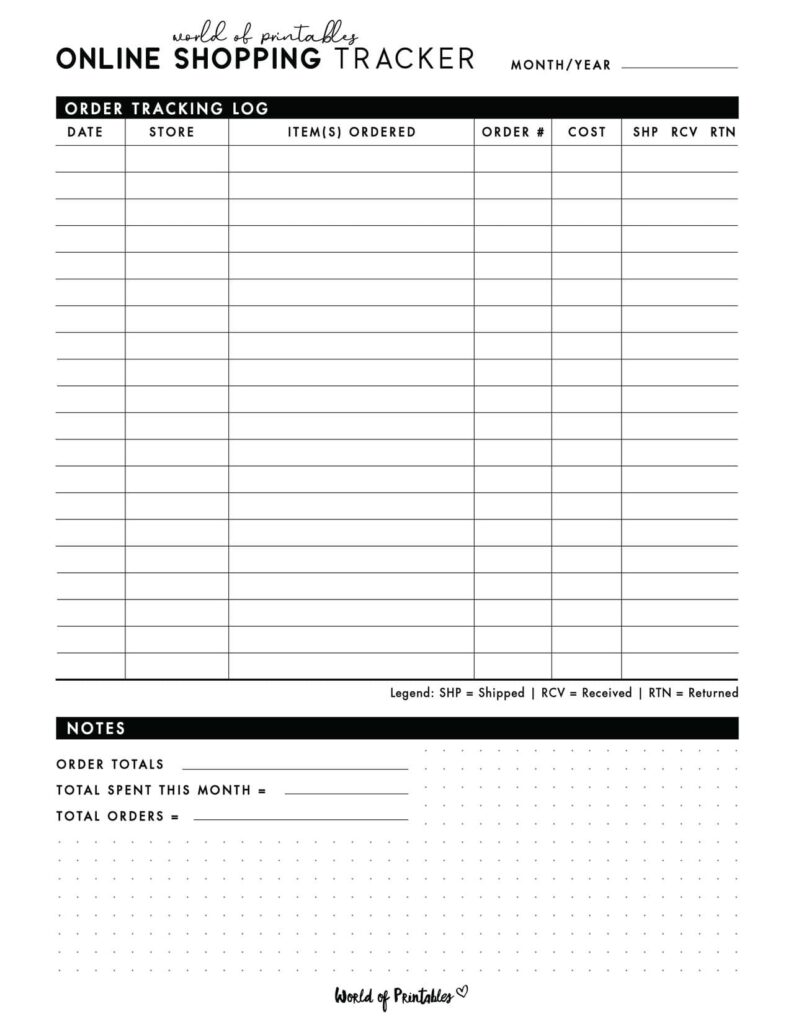
Ink-saving options
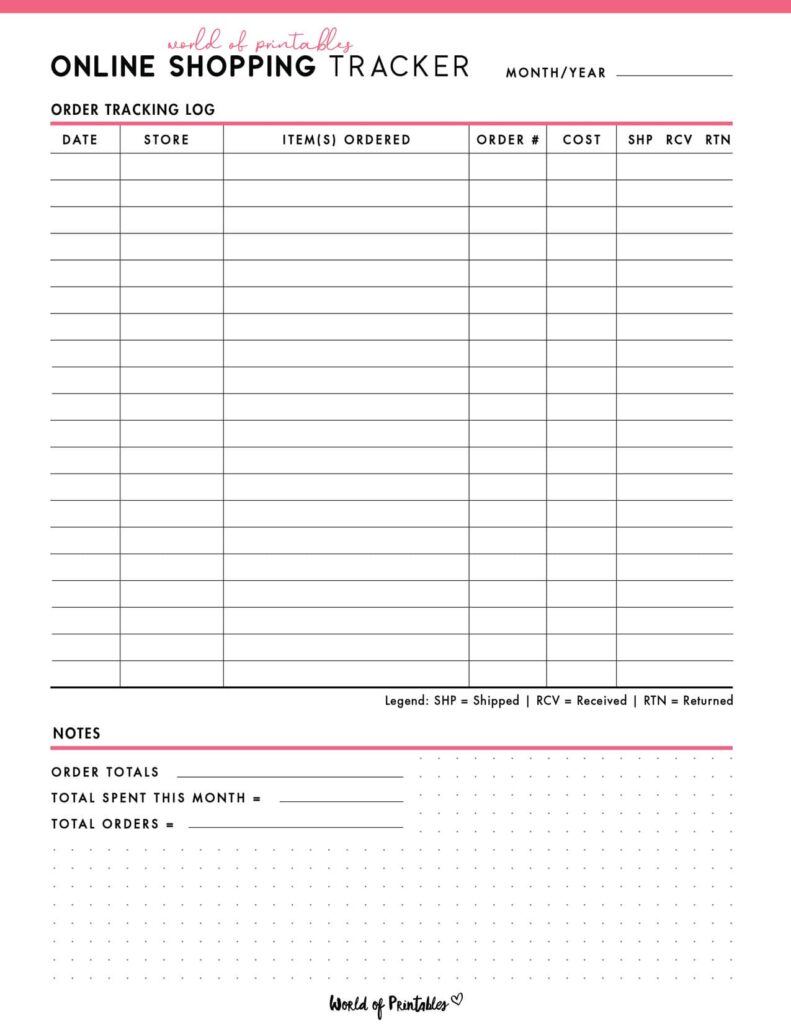
Perfect if you print a lot of budgeting pages and want a practical, polished design that uses less colour ink.
These are especially handy during high-shopping months when you may need to print multiple pages.
Free Download and Printing Instructions
To download your free Online Shopping Tracker, click the text link directly beneath the image of your chosen design. This will open the high-resolution PDF.
For the best printing results:
- download the PDF directly to your device
- open the file and select Print
- make sure your printer is set to US Letter
- choose Fit to Page or Scale to Fit so the margins print correctly
For a sturdier feel in your binder, it is worth printing on a premium paper if you can.
A 28 lb or 32 lb paper works well and gives the page a more durable, high-quality feel.
How to Use an Online Shopping Tracker
Online orders are easy to lose track of, especially when you are ordering from several stores at once. This tracker gives you one place to see what you ordered, what has arrived, and what still needs your attention.
The easiest way to make this page work is to treat it like a live order log, not something you fill in weeks later.
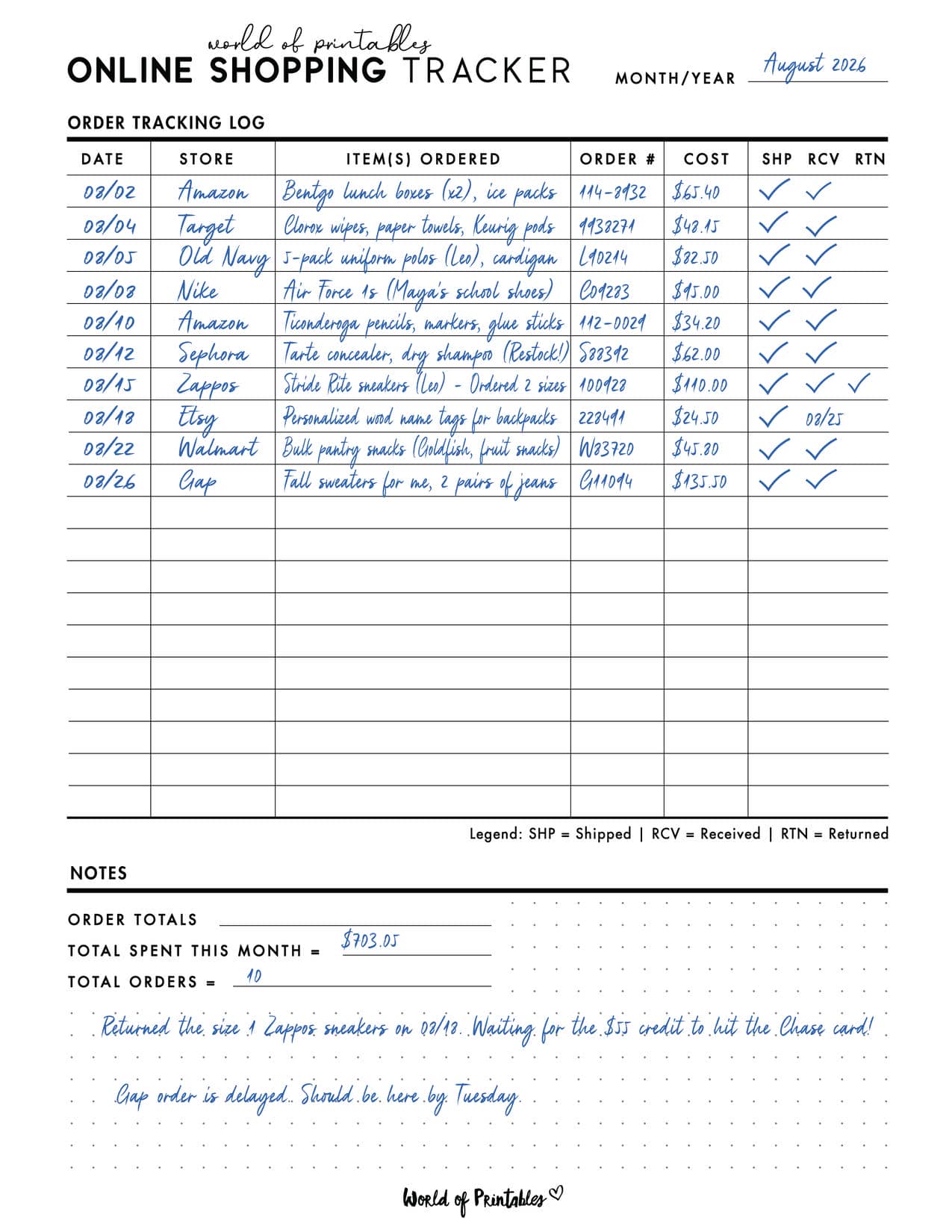
Here is the best way to use it:
Step 1: Log the order as soon as you check out
The moment you place an order, write it down.
Include:
- the date
- the store name
- the amount charged
- a short description of the item
This helps you capture the purchase while it is still fresh and stops it from becoming one of those “wait, did I order that already?” moments later.
You do not need to write an essay here. Just enough to recognise the order quickly.
For example:
- 14 March, Amazon, $18.99, school lunch boxes
- 16 March, H and M, $42.00, kids spring clothes
- 19 March, Target, $23.50, vitamins and skincare
Step 2: Track when the order ships
Once the order is dispatched, update the tracker.
This is especially useful when:
- the store splits your order into multiple parcels
- dispatch takes longer than expected
- you are waiting on something important
- you need to keep an eye on a seller’s response time
A quick shipped column or checkbox helps you see the difference between:
- orders that are still pending
- orders that are on the way
- orders that may need chasing up
This is where the printable becomes more than a spending page. It becomes a proper order management page.
Step 3: Mark it when it arrives
When the package arrives, check the contents properly before marking it as complete.
This matters more than people think.
A parcel showing as “delivered” is not always the same as:
- the correct item arriving
- all items arriving
- the item being undamaged
- the order being worth keeping
Once you have checked it and everything is right, mark it as received.
That order is now fully closed.
Step 4: Track returns and refunds properly
This is where the Online Shopping Tracker really earns its place in your binder.
If something needs to go back, log it clearly.
You may want to record:
- whether a return is needed
- the return deadline
- the date you sent it back
- whether the refund has appeared in your account
This last part matters.
A return is not financially complete until the money is back.
A lot of people return an item, mentally tick it off, and never double-check whether the refund actually came through. This tracker helps prevent that.
What to include on your Online Shopping Tracker
A useful tracker should feel simple, but detailed enough to be practical.
Helpful columns include:
- order date
- retailer or website
- item description
- amount spent
- shipped
- received
- return needed
- refund received
- notes
You can also add an order number column if you want a little extra detail, especially if you place lots of orders from the same stores.
Why this works well in a budget binder
An Online Shopping Tracker fits beautifully into a budget binder because it sits right between budgeting and spending awareness.
Your budget tells you how much you planned to spend.
Your online shopping tracker shows what happened after you clicked buy.
It helps connect spending with follow-through, which is something many budgets do not track on their own.
It also works well alongside:
If online shopping tends to blur into everyday spending for you, this page helps make it visible again.
A simple habit that makes this printable even more useful
Keep your Online Shopping Tracker somewhere easy to reach, not buried at the back of a binder you rarely open.
A few good options:
- near the front of your budget binder
- in a shopping or spending section
- clipped to your monthly budget pages during busy shopping seasons
The easier it is to update, the more likely you are to actually use it.
This printable works best when it becomes part of your normal order routine:
- order it
- log it
- receive it
- close it
A good question to ask after a month of using it
Once you have used this printable for a little while, ask yourself:
- Which stores am I ordering from most?
- How often am I returning things?
- Are there patterns in my impulse spending?
- Am I forgetting orders too often?
- Is online shopping quietly eating into my monthly budget?
That is where this page becomes more than an order log. It becomes a useful spending awareness tool.
Next Step: Build Your Complete Financial Command Binder
Tracking online orders helps you stay on top of what you bought, what arrived, and what still needs action. But it works even better when it is part of a bigger financial system.
Together, these pages help you do more than just spend carefully. They help you stay aware of where your money is going and make better decisions going forward.
Keep building your budget binder by adding these helpful pages:
- Use the Daily Spending Log to keep track of everyday purchases and smaller expenses throughout the month.
- If your shopping tracker has highlighted a little too much impulse spending, try the No-Spend Challenge Tracker to help you reset your spending habits.
More budgeting templates
You’ll find many more budgeting templates right here on World of Printables.


AI TRANSPARENCY: Whilst the majority of our creations have been created completely traditionally, occasionally we utilize AI tools in our design process. We acknowledge the advancements in AI technology and leverage them responsibly to optimize our creative output. However, it is important to note that our utilization of AI does not compromise the human element of our work. Our commitment to delivering high-quality designs through a balanced integration of traditional expertise and AI enhancements remains paramount.