

Disclaimer: We provide high-quality, free printable templates to help you organize your personal data. We are not certified financial planners, CPAs, or investment advisors. The tools and information provided below are for educational and organizational purposes only. Always consult a licensed professional before making high-stakes decisions regarding asset management, tax strategy, or annual investment contributions.
Managing your money month to month helps you stay afloat. Looking at your finances across the whole year is how you start making smarter long-term decisions.
That is where a Year-End Financial Summary becomes so useful.
If you already use monthly budget printables, bill trackers, savings pages, or expense logs, this printable helps you bring everything together into one clear annual snapshot. Instead of seeing your finances in little monthly pieces, you finally get the bigger picture.
That bigger picture matters, because when you zoom out, you can see things a monthly budget does not always reveal right away. You can see how much you actually earned, how much you really spent, how much debt you paid off, how much you saved, and whether the goals you set at the beginning of the year matched what real life looked like.
It is one of the most useful pages you can add to a budget binder, especially if you want your budgeting system to feel more thoughtful, more complete, and more helpful year after year.
What is a Year-End Financial Summary?
A Year-End Financial Summary is a printable that helps you review your entire financial year in one place.
Instead of focusing on one month, this page is designed to help you total up and assess the full year, including:
- total income
- total household expenses
- savings contributions
- debt payments
- major spending categories
- overall progress toward your financial goals
Think of it as your annual money review page.
It is the page that helps you close out one year properly before starting the next.
Why this printable is so helpful
A lot of people are good at tracking monthly budgets, but never take the time to review the year as a whole.
That means important patterns can get missed.
You might feel like you “did okay” financially, but without looking at the full year, it is hard to know things like:
- Did your savings actually grow as much as you thought?
- How much did you spend on essentials versus extras?
- Did your debt really go down?
- Were your financial goals realistic?
- Which categories quietly drained the most money over time?
A year-end summary helps answer those questions in a clear, visual way.
It can also help you go into the new year with more confidence, because instead of guessing what needs to change, you are working from your real numbers.
Choose a design theme that fits your style
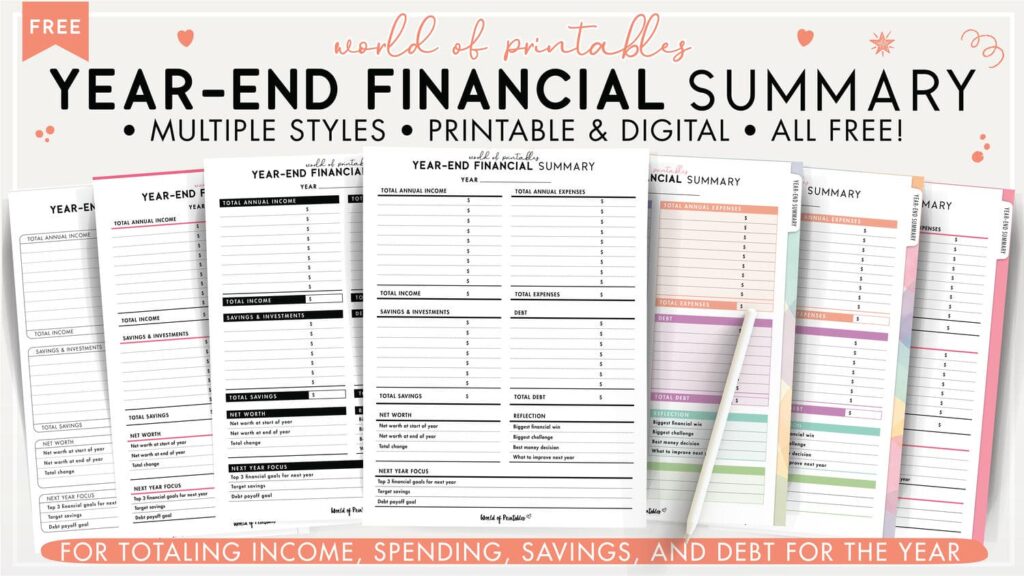
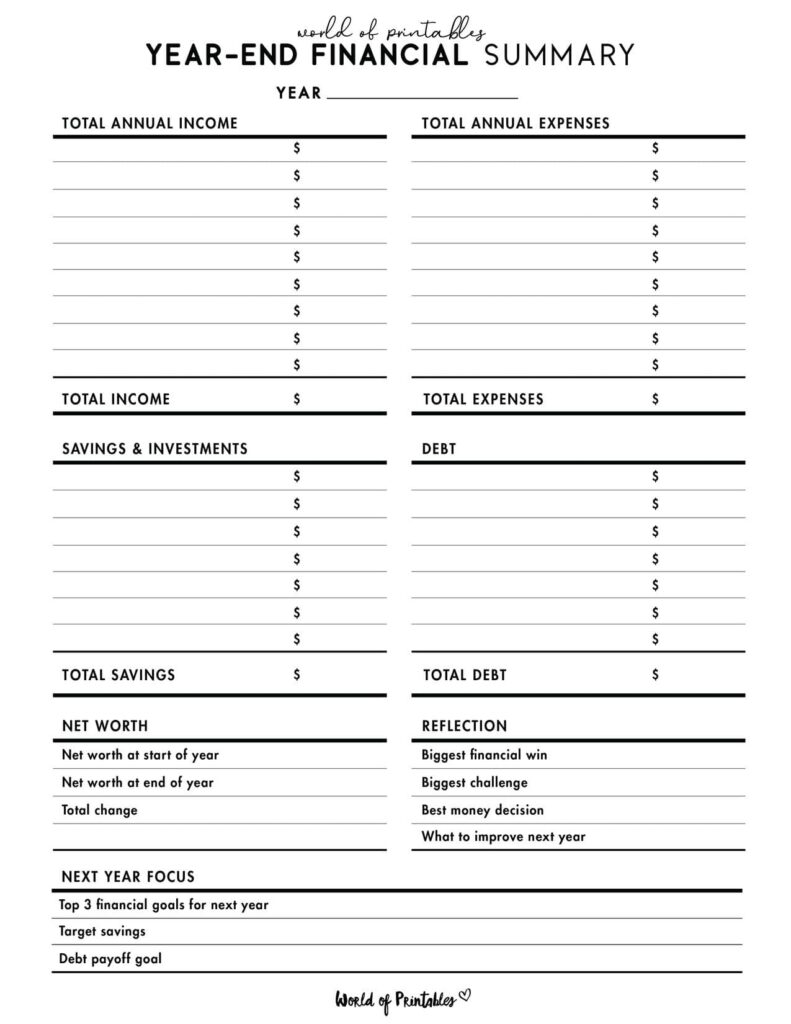
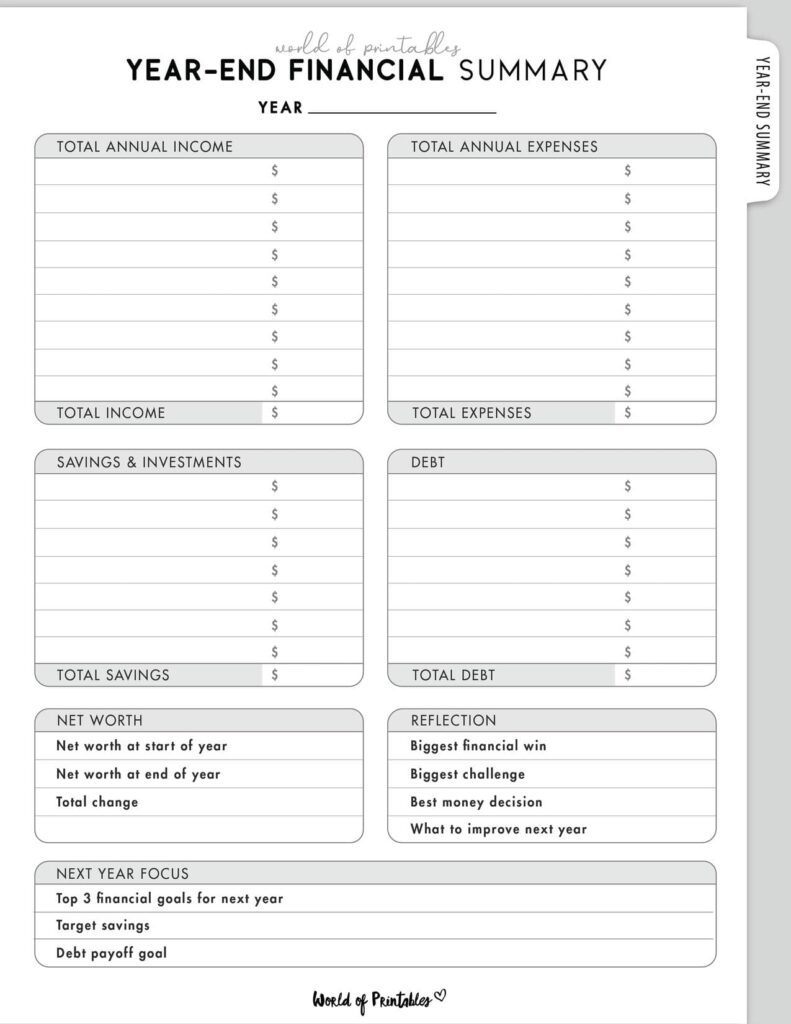
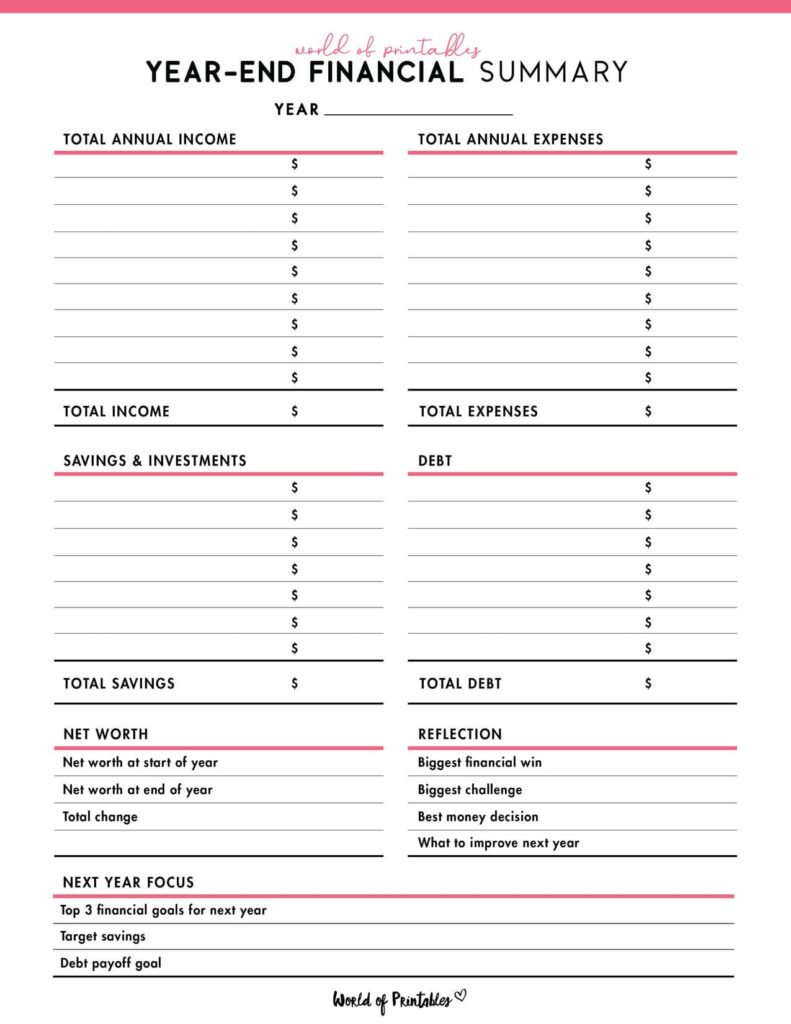
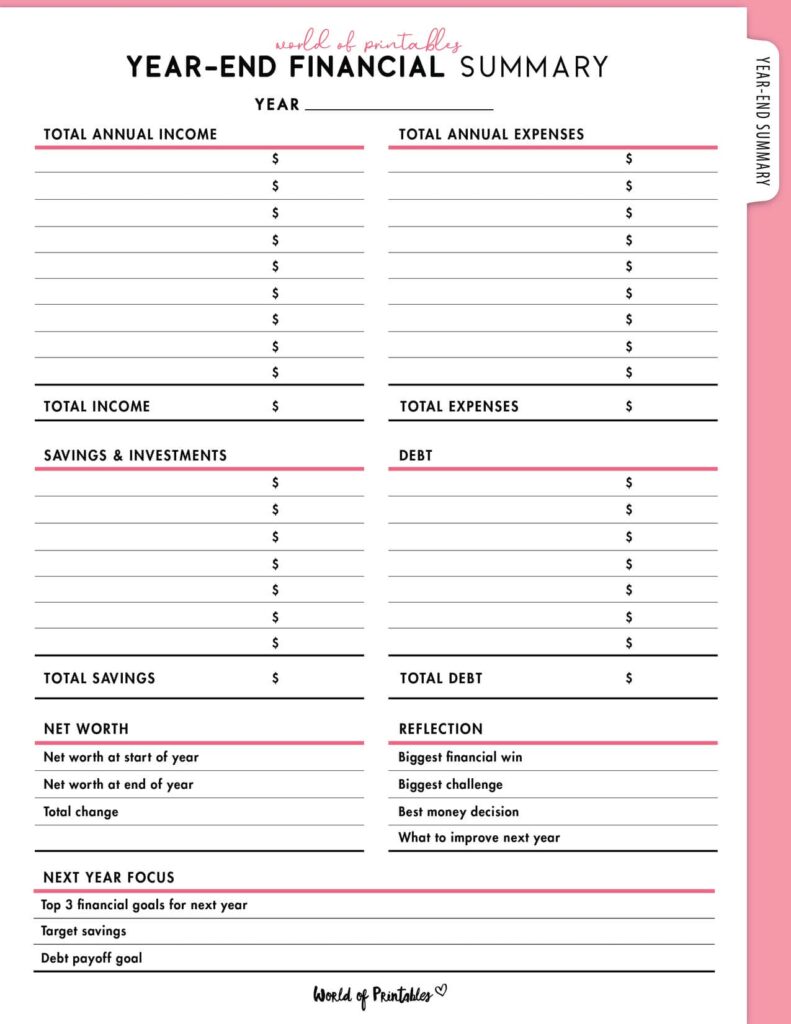
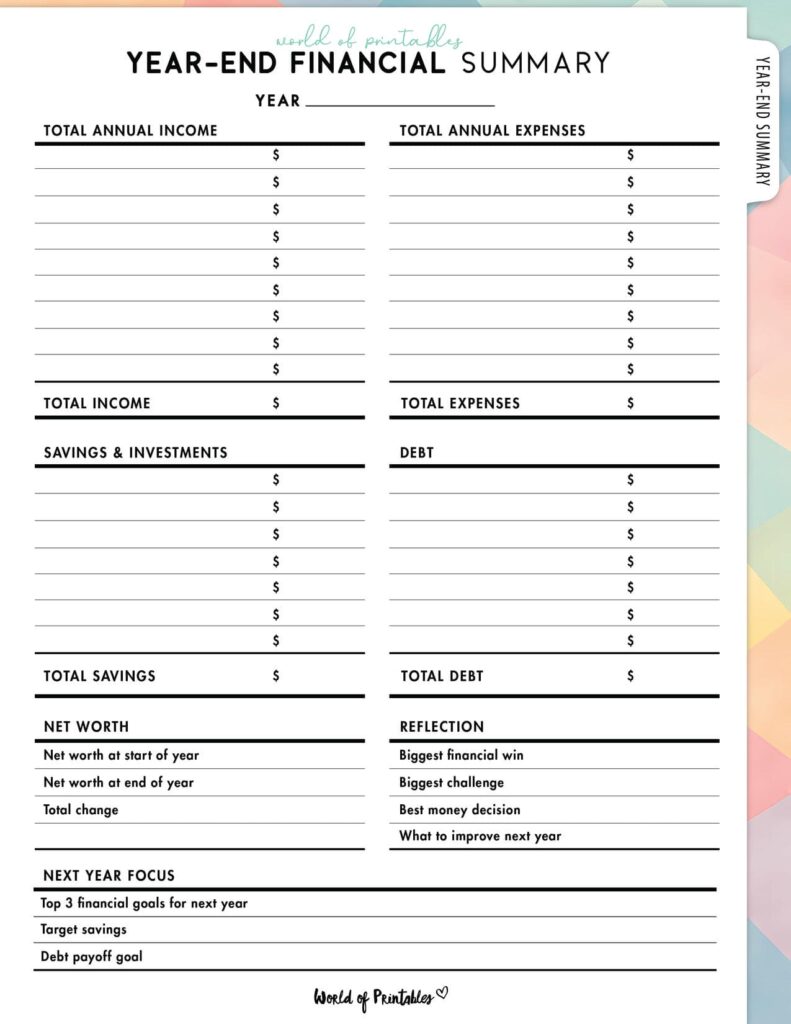
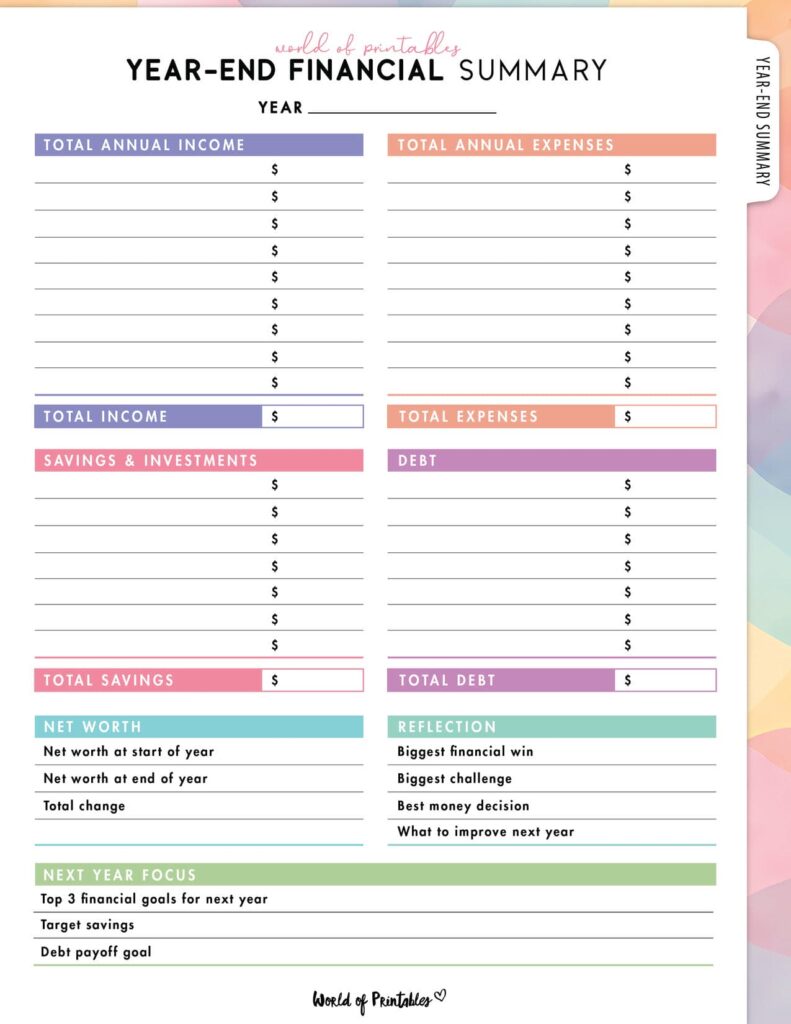
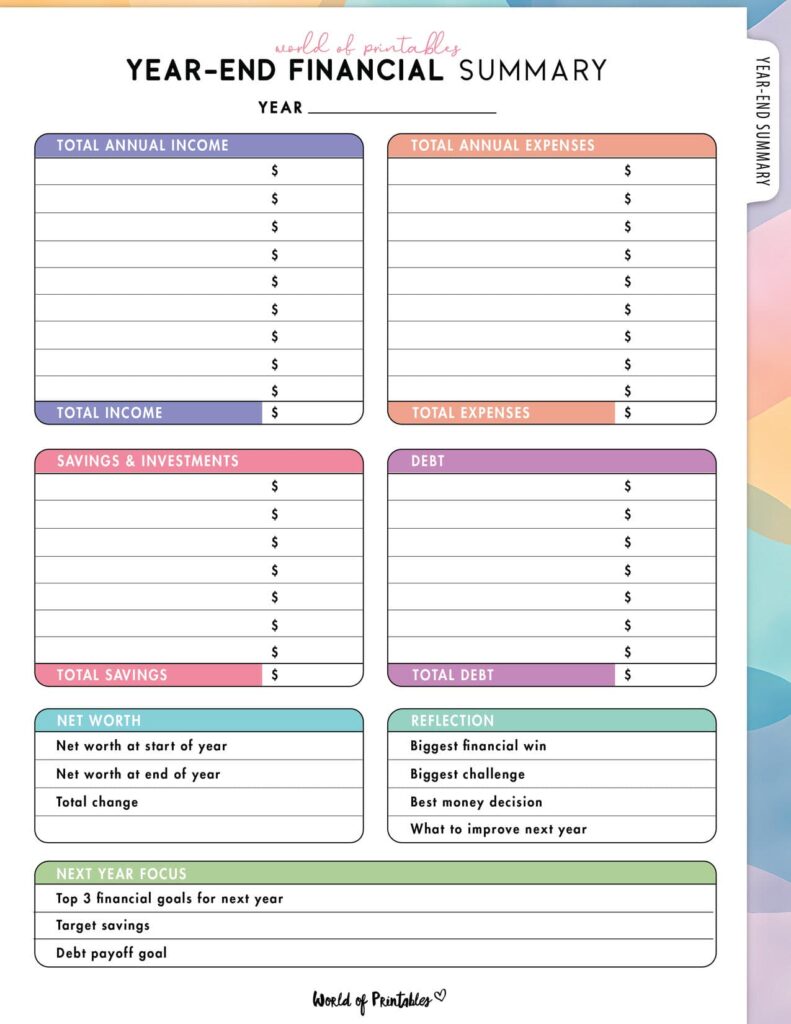
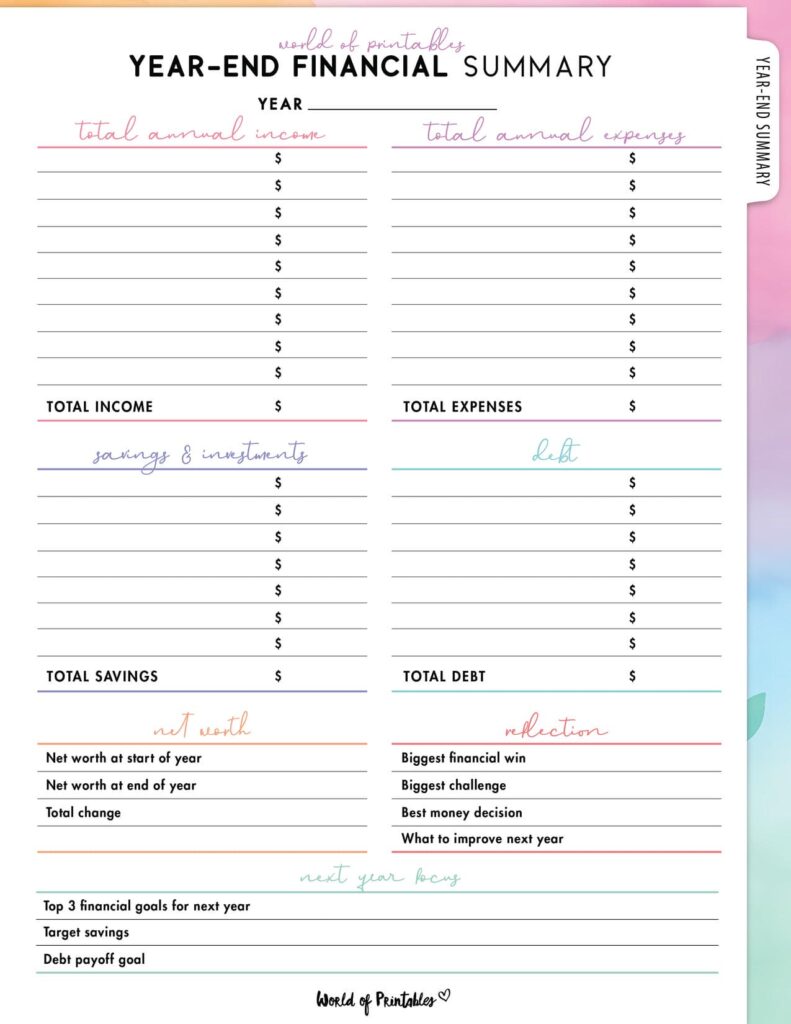
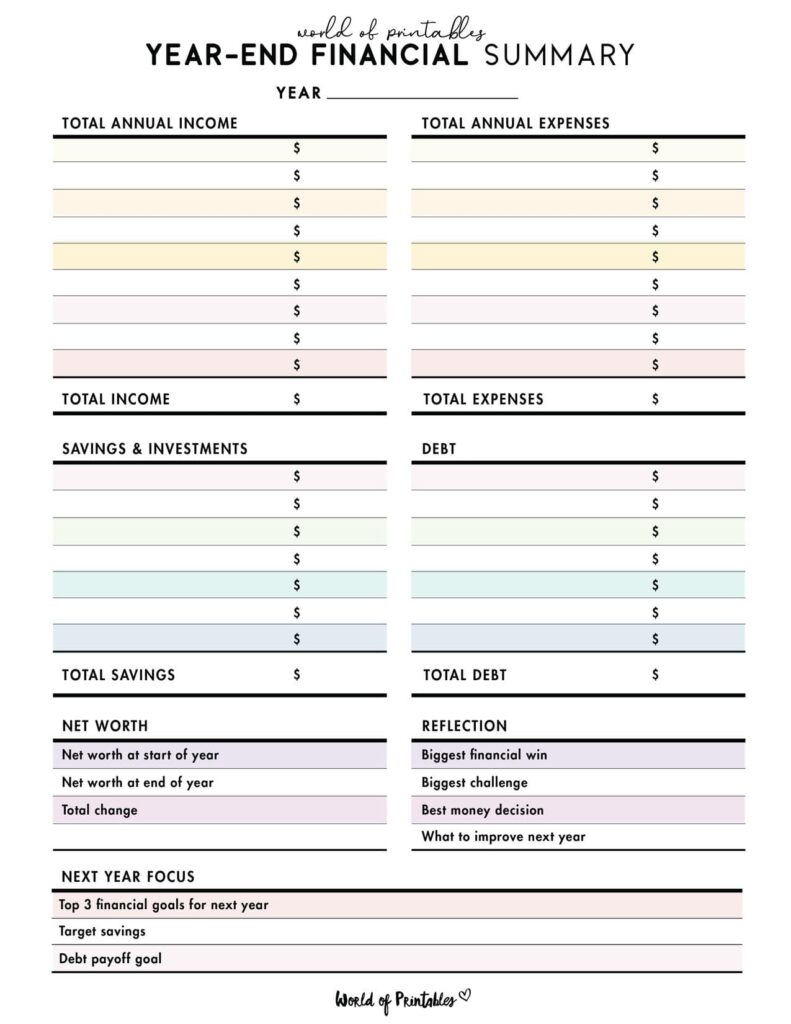
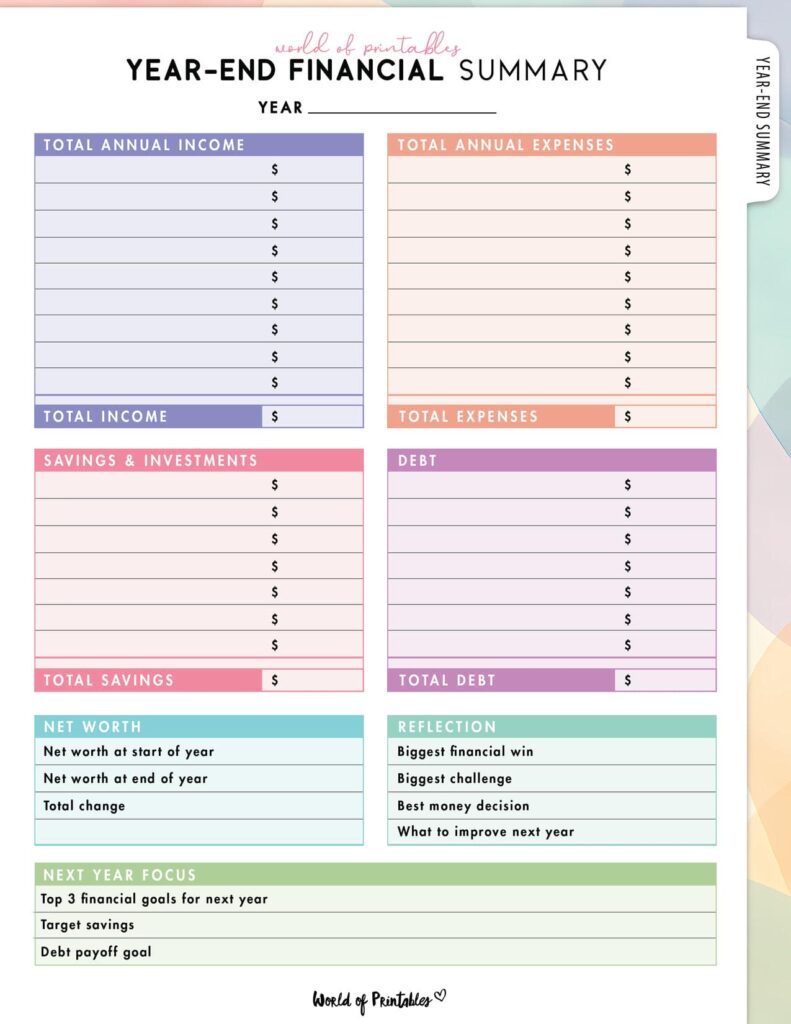
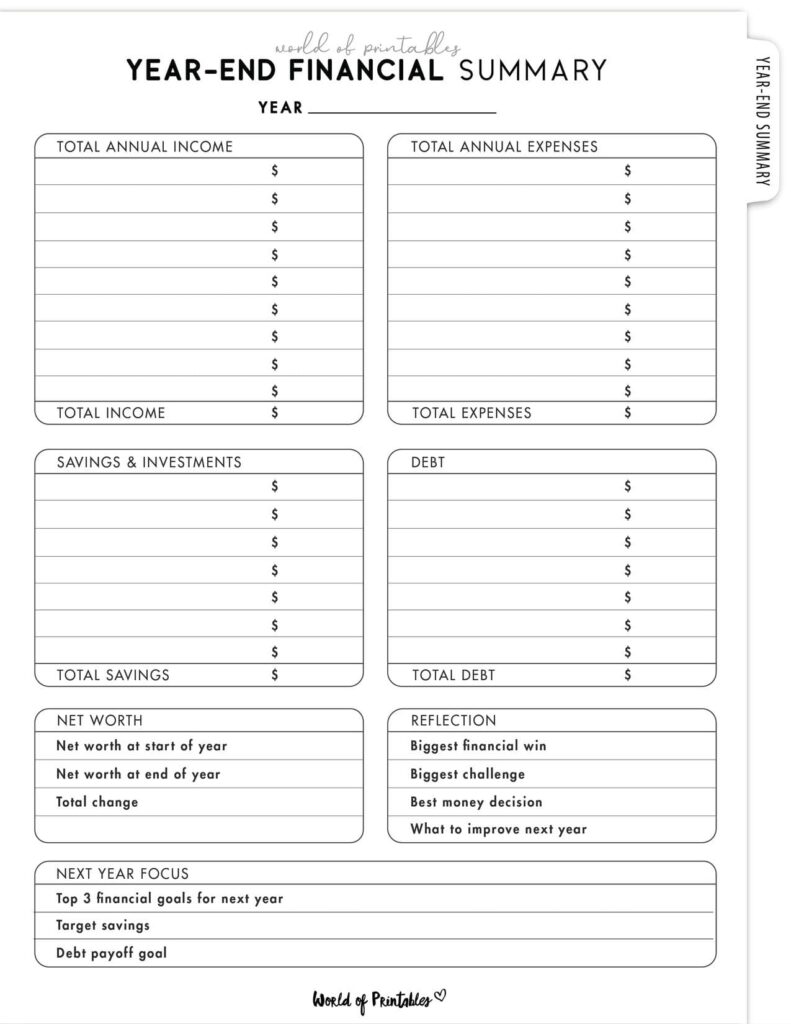
We always think practical printables work best when they are both useful and enjoyable to use, so we’ve created 15 different styles of year-end financial summary printables, in minamalist, colored, and low-ink styles.
Minimalist and simple styles
These are perfect if you like clean lines, simple layouts, and a distraction-free page that keeps the focus on your numbers.
They work especially well in a more professional looking finance binder.
Colorful and visual styles
These layouts make it easier to separate categories visually at a glance.
If you like using color in your planning system, or you find visual separation helpful for reading financial information quickly, these are a great choice.
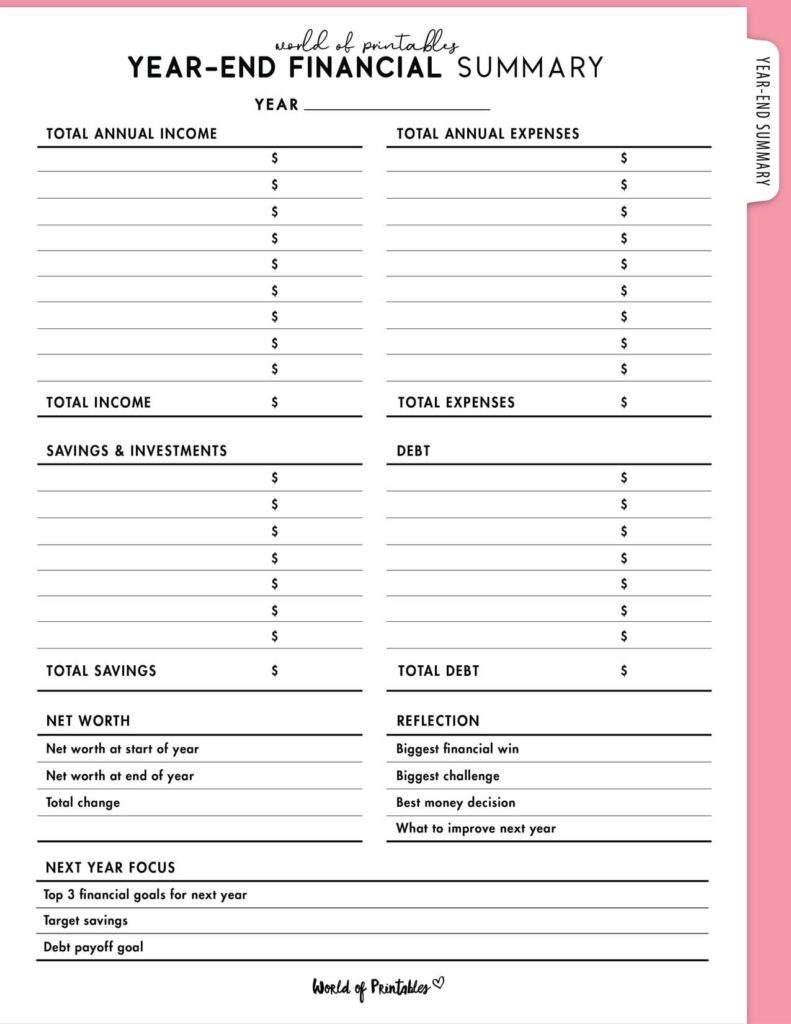
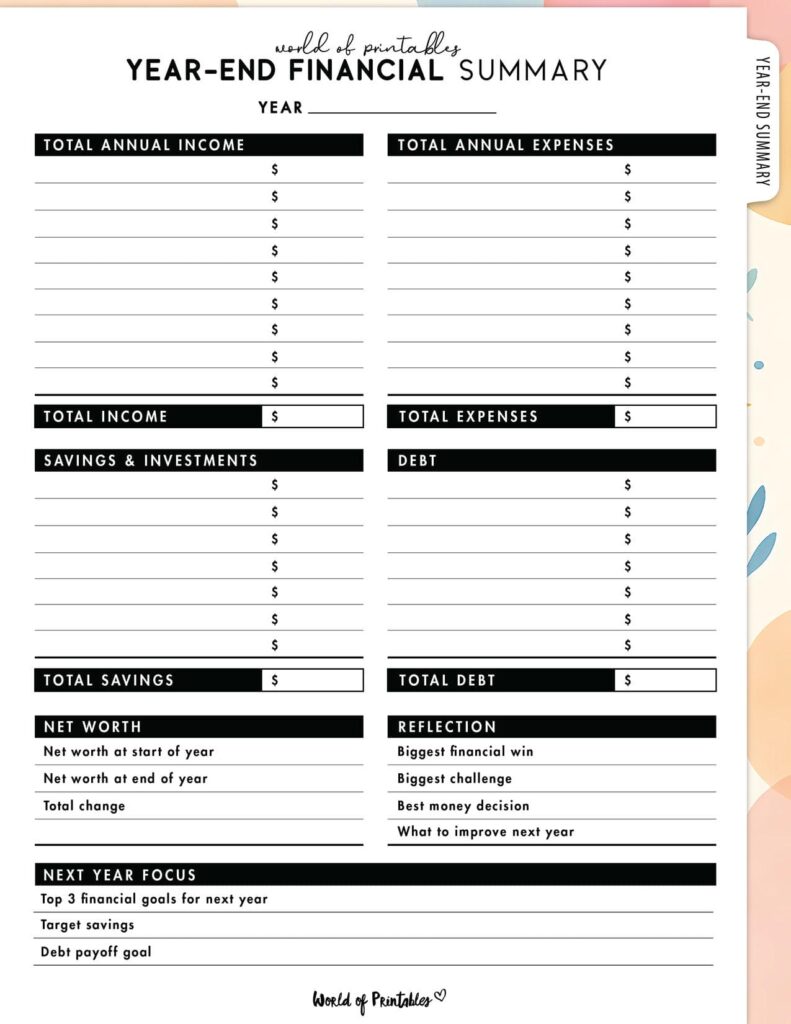
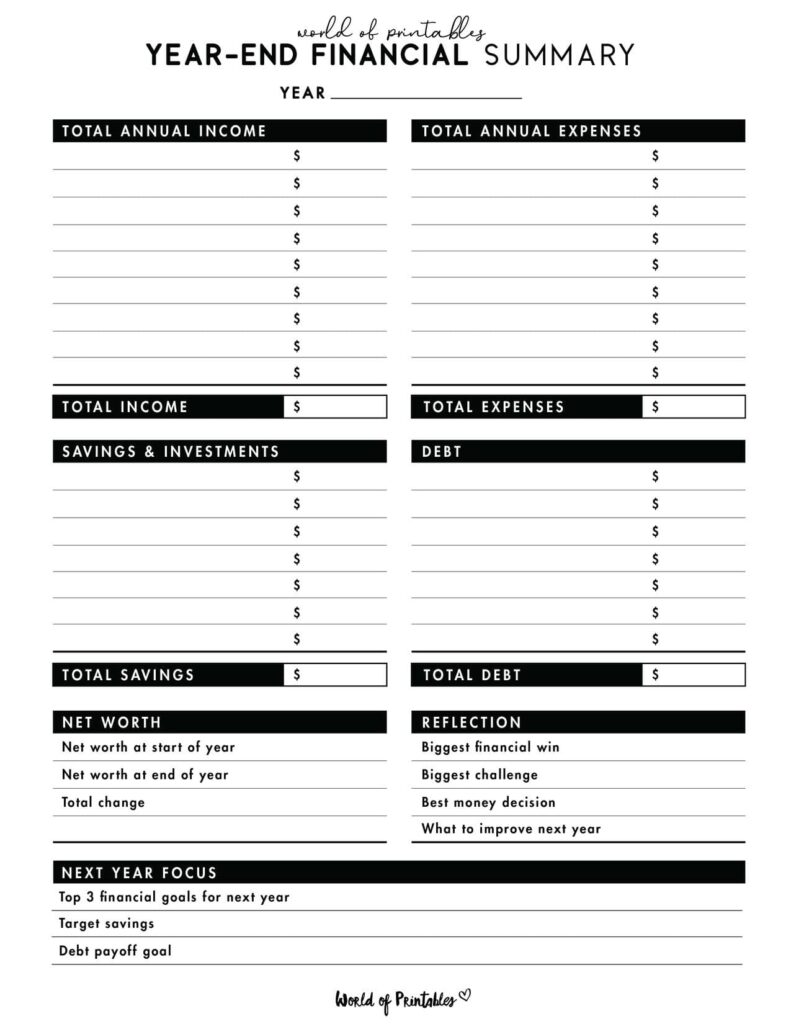
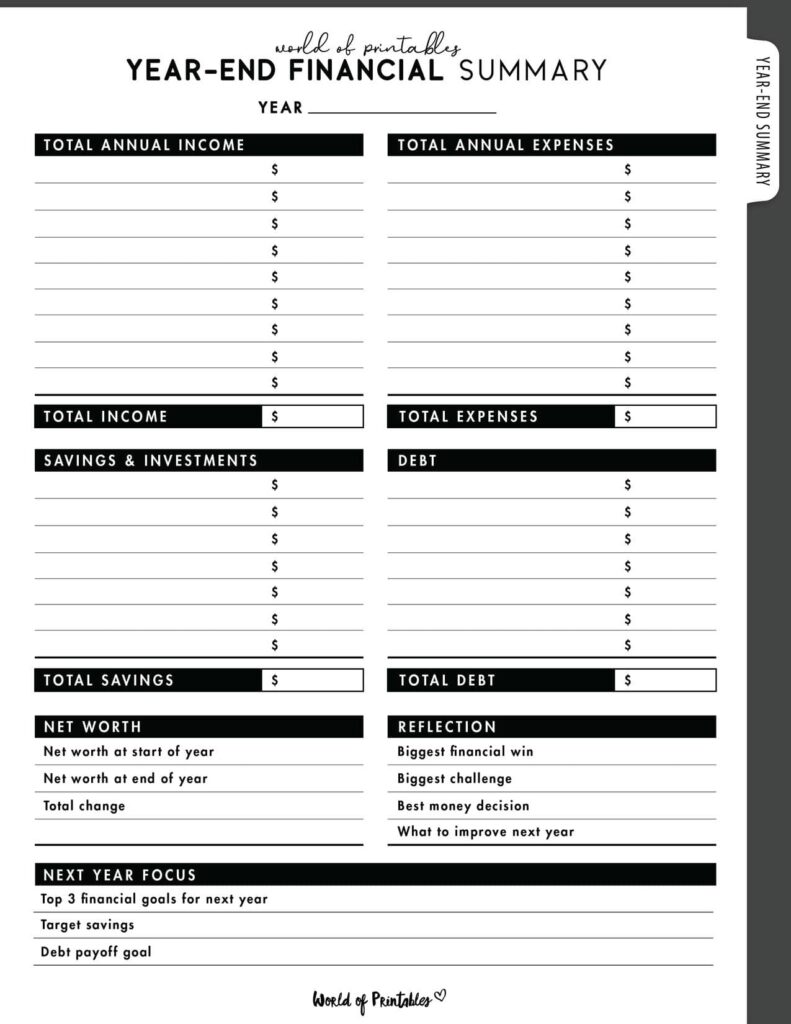
Ink-saving options
These are ideal if you print a lot and want something practical, clean, and efficient without using lots of colour ink.
They still look polished, but are more budget-friendly for home printing.
Free Download and Printing Instructions
To download your free Year-End Financial Summary, click the text link directly beneath the image of your chosen design. This will open the high-resolution PDF.
For the best results:
- download the PDF directly to your device
- open the file and select Print
- check that your printer is set to US Letter
- choose Fit to Page or Scale to Fit so the margins print correctly
Because this page is designed to become part of your long-term financial records, it is worth printing on a slightly thicker paper if you can.
A premium 28 lb or 32 lb paper gives it a more durable feel and holds up better in a binder over time.
A simple tip before you file it away
Once you complete your Year-End Financial Summary, do not just file it and forget it.
Use it.
Look at it while setting your new goals. Use it to adjust your budget categories. Let it guide your savings targets, spending limits, and debt plans for the year ahead.
That is what makes this page powerful.
It is not just a record of where your money went. It is a starting point for what you want to do better next.
When to fill out a Year-End Financial Summary
The best time to complete this printable is:
- at the end of December, or
- at the beginning of January
That gives you a clean point to review the previous 12 months and set up the year ahead.
Many people like to treat it as part of a yearly reset along with:
- setting new financial goals
- reviewing debt payoff progress
- updating sinking funds
- reorganizing a budget binder
- checking savings and spending habits
If you keep monthly printables throughout the year, this page becomes much easier to fill in.
What you need before you start
Before filling out your Year-End Financial Summary, gather the financial pages you used throughout the year.
This might include:
- monthly budget planners
- expense trackers
- savings trackers
- debt payoff trackers
- bill payment logs
- sinking fund sheets
- bank summaries or budgeting app totals
You do not need a complicated setup. You just need your monthly information in front of you so you can total everything accurately.
How to Use a Year-End Financial Summary
A Year-End Summary is where families finally get to see the big picture and celebrate their hard work. It ties everything together beautifully.
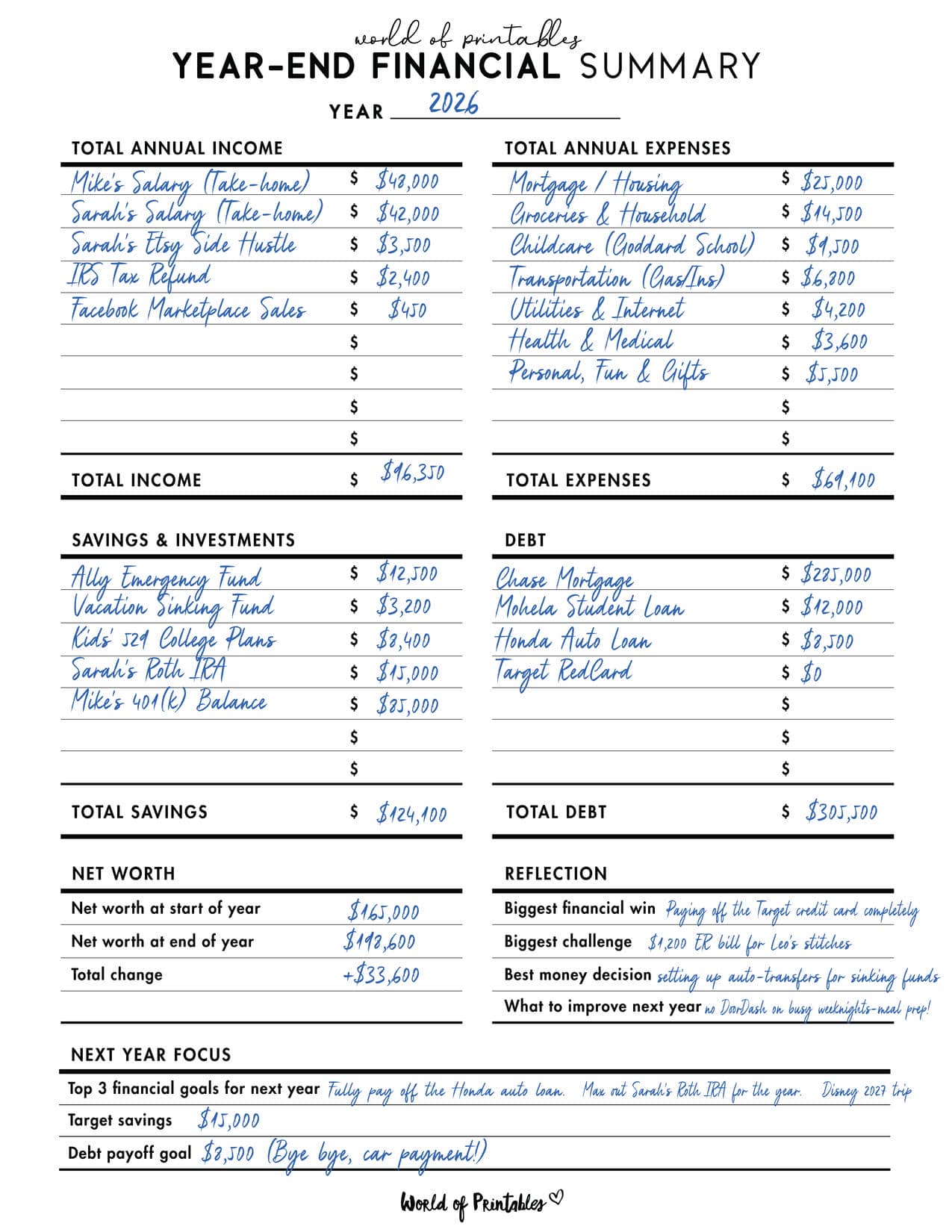
Here is the easiest way to fill it out without making it feel overwhelming:
Step 1: Add up your total income
Start with everything that came in during the year.
This may include:
- wages or salary
- self-employed income
- side hustle income
- bonuses
- tax refunds
- dividends or interest
- other household income
You can choose whether you want to focus on gross income, net income, or both. For most home budgeting purposes, net income is the most practical number to work with because it reflects what actually hit your accounts.
This step gives you your full annual income picture, which is the starting point for everything else.
Step 2: Total your major expenses
Next, go through your monthly budgets and add up your main spending categories for the year.
This usually includes essentials like:
- mortgage or rent
- utilities
- groceries
- transport
- insurance
- phone and internet
- childcare
- medical expenses
Then total your flexible or lifestyle categories such as:
- dining out
- online shopping
- entertainment
- beauty
- hobbies
- gifts
- holidays
This part is often the most eye-opening, especially with categories that felt small month to month but add up quickly over a year.
Step 3: Review your savings and debt progress
This is one of the most important parts of the page.
Work out:
- how much you added to savings
- how much you added to investments
- how much debt you paid off
- how much progress you made toward emergency funds or sinking funds
This section shows whether your money was moving you forward, not just covering expenses.
Even if the numbers are smaller than you hoped, that does not mean the page failed. It means the page is doing exactly what it should do, showing you the truth clearly so you can make stronger decisions next.
Step 4: Compare your year to your goals
If you set financial goals at the start of the year, now is the time to compare them with what actually happened.
Ask yourself:
- Did I reach my main savings goal?
- Did I reduce debt by the amount I wanted?
- Did I stay within budget in key categories?
- Were my goals realistic for my actual season of life?
- What worked well?
- What needs to change next year?
This step turns your Year-End Financial Summary from a record into a planning tool.
It helps you move into the next year with better, more realistic goals based on what your finances actually looked like.
What to include on your Year-End Financial Summary
A good year-end page should feel clear and useful, not crowded.
Helpful sections often include:
- annual income total
- annual expenses total
- annual savings total
- annual debt paid
- biggest spending categories
- year-end notes or reflections
- wins and lessons learned
- goals for the coming year
If you like detailed budget binders, you can also pair this printable with supporting pages for net worth, debt balance, sinking funds, and annual goals.
A year-end financial summary helps you see the big picture, but the real progress happens one payday at a time. Our Paycheck Planner helps you manage the monthly bills, spending, savings, and debt decisions that build that bigger result.
Why this page works so well in a budget binder
This printable is especially useful in a budget binder because it acts like a closing summary for the year.
Your monthly pages show the journey.
Your year-end summary shows the result.
It becomes the one page you can come back to later and instantly understand how that year looked financially.
That is helpful for spotting patterns over time, especially if you keep one completed summary from each year.
After a few years, these pages can become a really valuable record of your financial progress and the changes you made along the way.
Next Step: Build Your Complete Financial Command Binder
Finishing your Year-End Financial Summary is incredibly satisfying, but it works even better as part of a full financial planning system.
To keep building a more complete and useful money binder, add pages like:
- monthly budget planners
- bill payment trackers
- debt payoff trackers
- savings trackers
- sinking fund printables
- annual financial goals worksheets
- net worth trackers
When these pages work together, you get a system that helps you not only track your money, but understand it.
And that is where real financial progress starts.
- Return to the Ultimate Budget Binder Index.
- Time to set new targets. Download the Annual Financial Goals Worksheet to map out your wealth strategy for the next 12 months.
- Preparing for tax season? Download the Tax Deduction Checklist to ensure you are ready to hand a perfect file over to your CPA.
More budgeting templates
You’ll find many more budgeting templates right here on World of Printables.



AI TRANSPARENCY: Whilst the majority of our creations have been created completely traditionally, occasionally we utilize AI tools in our design process. We acknowledge the advancements in AI technology and leverage them responsibly to optimize our creative output. However, it is important to note that our utilization of AI does not compromise the human element of our work. Our commitment to delivering high-quality designs through a balanced integration of traditional expertise and AI enhancements remains paramount.